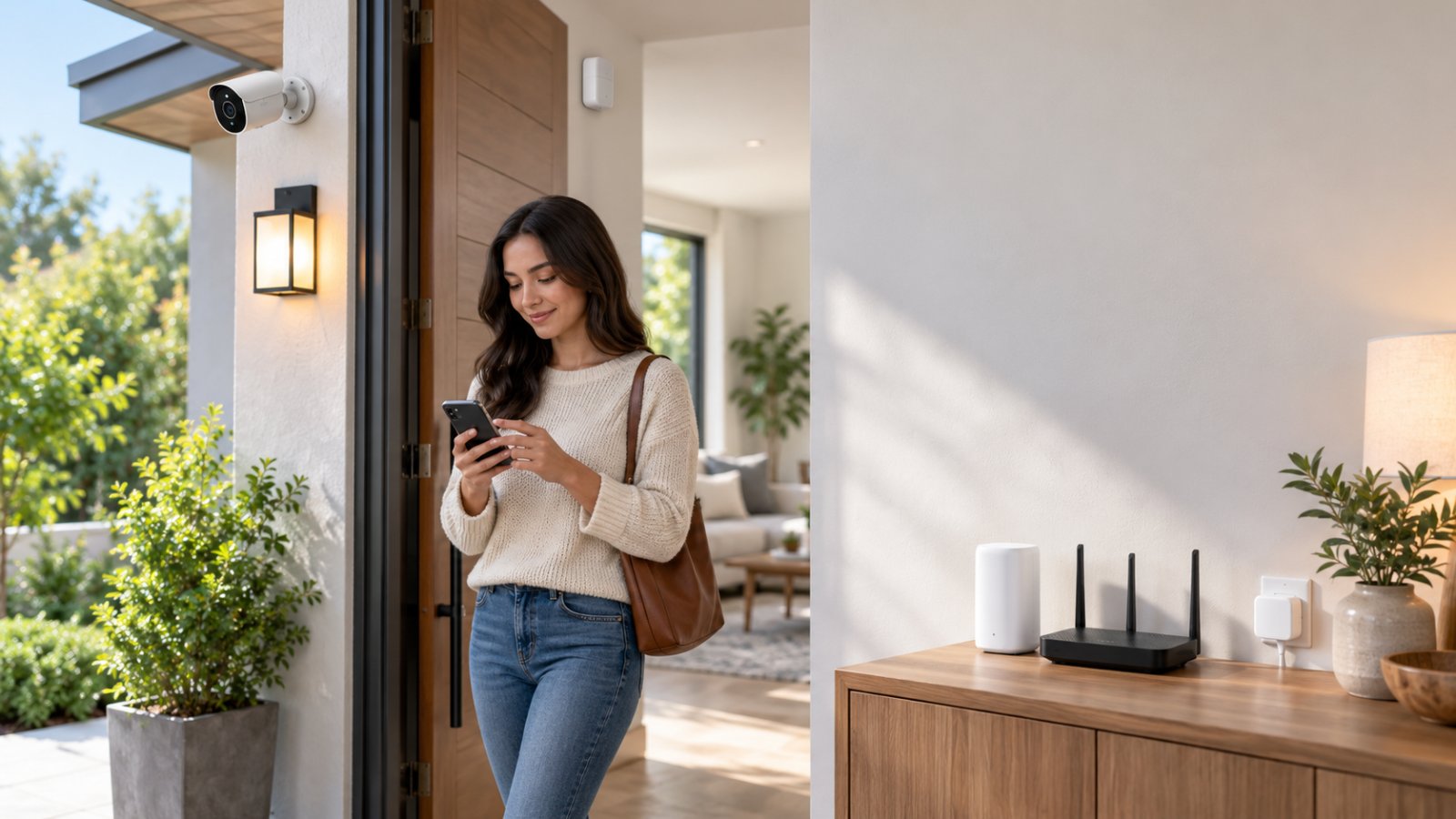
AI-powered smart home devices use Artificial Intelligence to recognize activity, process information, and help connected equipment respond more intelligently. An AI security camera, for example, can identify human movement instead of treating every moving branch as a possible visitor. Smart sensors and compatible automation systems can also control lighting, monitor entrances, and help homeowners respond to problems around the property.
The useful part is not having more technology around the house. It is receiving relevant security alerts, keeping an eye on important areas, and reducing the number of small tasks you have to manage manually.
Still, AI features vary considerably between products. Some devices process information locally, while others need an internet connection for certain functions. Before spending money, it helps to know which features you will actually use, what equipment works together, and whether your home WiFi network can support it.
What Are AI-Powered Smart Home Devices?
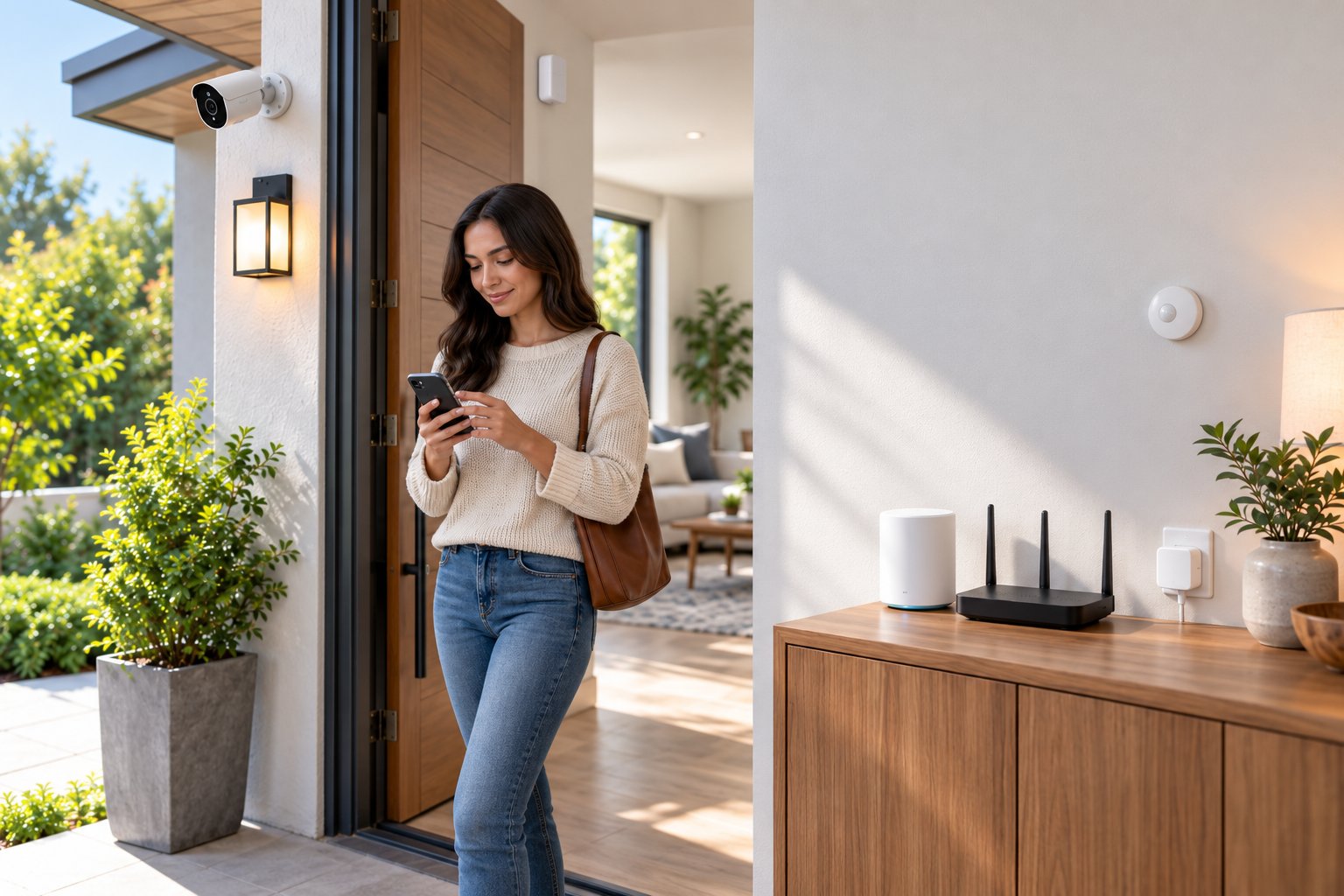
AI-powered smart home devices are connected products that use software models to recognize patterns, interpret information, or make decisions based on what their sensors detect.
The difference becomes clearer when you compare a regular motion sensor with an AI-enabled security camera.
A basic motion sensor detects a change in its surroundings. Depending on the sensor, that might be movement or a change in infrared energy. When the reading meets a certain threshold, it triggers an action.
An AI camera goes further. It uses Computer Vision to examine video and classify objects or activity that its software has been trained to recognize.
Instead of reacting to every movement, a compatible camera may distinguish a person approaching the front door from a tree moving in the wind.
This is especially useful for outdoor monitoring, where lighting changes, passing vehicles, animals, and weather can trigger ordinary motion detection.
Where Artificial Intelligence fits into a smart home
Several household devices can use AI or related intelligent processing:
-
Security cameras: Identify supported object categories, such as people, vehicles, or animals, and provide more relevant activity alerts.
-
Video doorbells: Monitor visitors and movement around entrances, with detection features that vary by model.
-
Smart thermostats: Use occupancy patterns, schedules, and temperature information to adjust heating or cooling.
-
Smart lighting systems: Combine occupancy information, schedules, and compatible automation rules to control lighting.
-
Smart hubs: Connect supported devices and coordinate their actions.
-
Environmental monitoring devices: Track conditions such as temperature, humidity, and water leaks, sometimes using additional analysis to identify unusual patterns.
Not every product advertised as smart uses AI.
A plug that switches on at sunset is following a schedule. A contact sensor that reports an open window is responding to a physical change. Both can be useful without using machine learning.
AI becomes relevant when a device analyzes information to make a more informed distinction or prediction.
Local AI processing versus cloud AI
Another detail worth checking is where the analysis happens.
Some devices use Edge Computing, meaning supported processing takes place on the device itself.
For a security camera, local AI processing may allow human detection without sending every video frame to an external server.
Other devices send information to cloud services for analysis. That approach can support certain advanced features but usually depends on internet access.
Some products combine both methods.
A camera might identify people locally while still requiring an internet connection to send a notification to your phone when you are away.
This distinction matters when comparing ai smart home devices. The phrase AI-enabled tells you very little about what happens during an internet outage.
Before buying, find out whether the features you care about operate locally, require an online account, or depend on an optional paid service.
Key Benefits of Adding AI to Home Automation and Security
The biggest improvement AI can bring to a connected home is more relevant information.
A conventional security system might notify you whenever it detects movement. A camera with supported AI classification can be configured to focus on people entering a monitored area.
That reduces the time spent checking recordings that contain nothing important.
AI-assisted devices can also support everyday convenience. Smart lighting can respond to occupancy, and compatible systems can coordinate security sensors with other household equipment.
The benefits are most noticeable when the devices are configured for a specific purpose.
For example, monitoring the front entrance and managing lighting around a side gate are practical goals. Connecting every available appliance to an app without a clear reason usually adds complexity rather than solving a problem.
Accurate AI Camera Motion Detection Without False Alerts
One of the more useful applications of AI in home security is filtering motion events.
Ordinary video-based Motion Detection often looks for changes between successive images. If enough of the image changes, the camera records an event or sends an alert.
The problem is that movement does not always mean someone is approaching your property.
Outdoor cameras can respond to swaying branches, passing headlights, insects near the lens, moving shadows, or rain.
If a camera sends a notification for each event, useful alerts quickly become difficult to distinguish from routine activity.
AI camera motion detection helps by examining what caused the movement.
A compatible camera uses computer vision to classify supported objects and decide whether the event matches your selected detection settings.
Suppose a camera overlooks a front driveway next to a public footpath.
You probably want to know when someone walks toward your garage. You may not want a notification every time a pedestrian passes the property.
Human detection and configurable activity zones can make those alerts more relevant.
However, AI cannot promise zero false alarms. Heavy rain, poor lighting, unusual camera angles, or objects partially blocking the view can still affect detection.
A person walking far from the camera might also be too small in the image for reliable identification.
How to improve AI motion detection accuracy
Start with the camera's physical position before changing software settings.
-
Monitor a specific area. Aim the camera toward the entrance, gate, or driveway rather than covering as much open space as possible.
-
Use detection zones. Where supported, exclude roads, public paths, and trees that regularly move.
-
Choose appropriate detection categories. Enable human detection when people approaching the property are your main concern. Do not assume vehicle or pet recognition is included unless the camera supports it.
-
Adjust sensitivity gradually. Start with a moderate setting and increase it only when relevant movement is being missed.
-
Check nighttime performance. Infrared reflections, insects, and headlights may behave differently from daytime movement.
-
Review recorded events. Check whether the camera captured the beginning and end of the activity rather than only a brief moment.
A useful installation test is to have someone approach the entrance along the normal walking route.
Watch whether the camera recognizes the movement, creates a recording, and sends the expected notification when its network connection is available.
Repeat the test after dark.
If detection is inconsistent, try adjusting the camera angle or detection zone before raising sensitivity to its maximum setting.
Avoiding common installation mistakes
A camera mounted too high may provide a good view of the property but limited facial detail.
One pointed directly at a road may produce unnecessary vehicle alerts.
A camera mounted near plants can capture constant motion, especially during windy weather.
At night, a nearby wall or roof edge can reflect infrared light back into the lens. Spider webs close to the camera can cause similar problems.
Small placement changes often improve detection more than software adjustments.
ROOXIS outdoor security cameras offer AI-assisted human detection and configurable motion settings on supported models. These features can help homeowners focus monitoring on entrances, patios, and driveways.
The aim is not to stop every notification. It is to make the important ones easier to recognize.
Subscription-Free Local AI vs Cloud Storage
When shopping for smart home security devices, check two things separately: where AI processing happens and where recorded video is stored.
They are not the same feature.
A camera can perform AI analysis locally while storing footage in the cloud. Another camera might save video to a MicroSD card but rely on the internet for certain recognition features.
Product descriptions do not always make this distinction clear.
How local AI works
With on-device AI processing, the camera analyzes supported activity using its own hardware.
This may reduce dependence on remote servers for features such as basic human detection.
Local processing can also be useful when internet service is unreliable, provided the camera supports independent operation.
However, local AI does not automatically mean the entire system works offline.
Remote viewing, app notifications, and online account functions may still require connectivity.
How local recording works
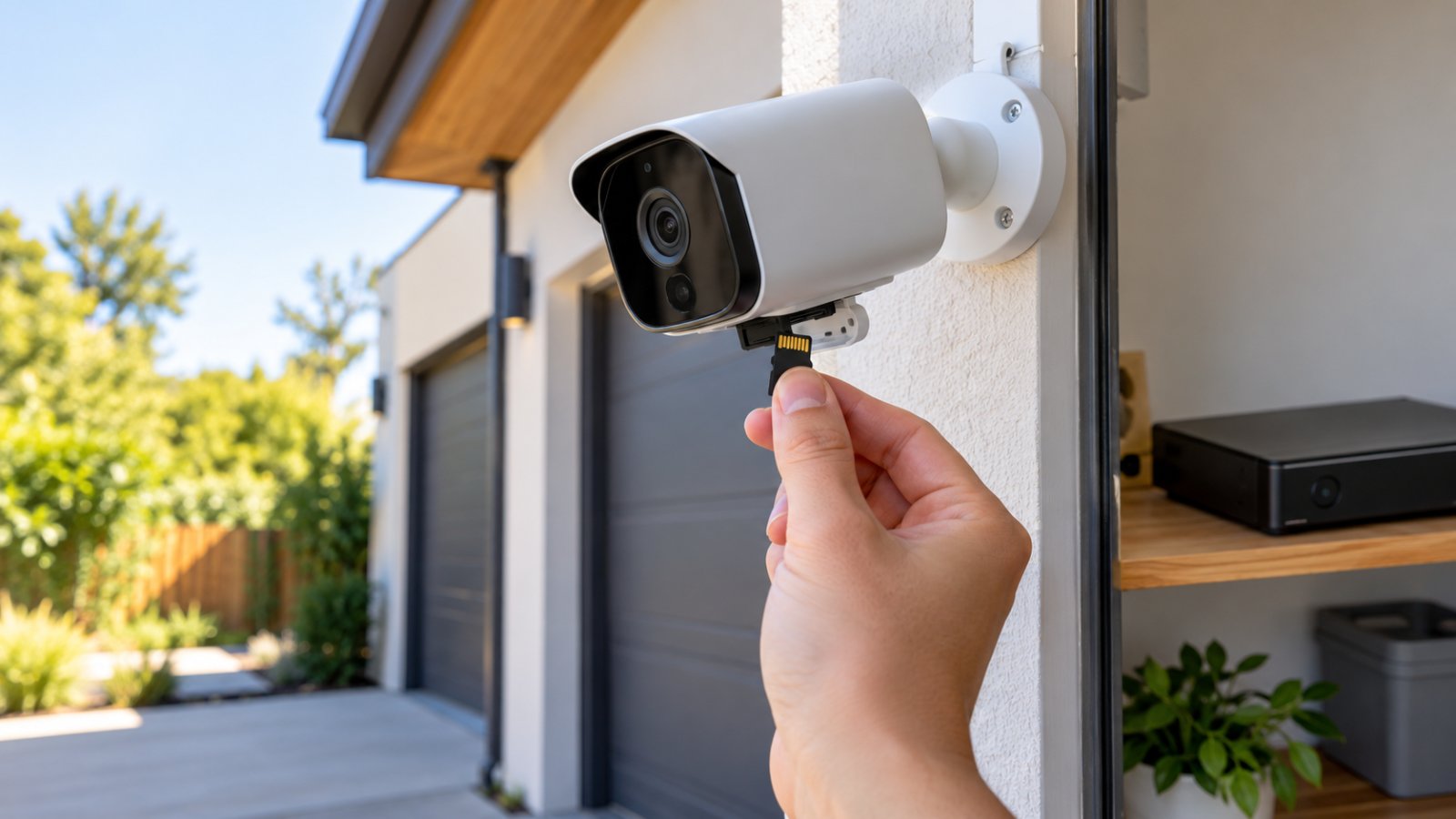
A camera with MicroSD storage saves compatible recordings directly to a memory card.
Larger wired systems may use a Network Video Recorder, commonly called an NVR, to store footage from multiple cameras.
These options can reduce dependence on a paid cloud recording service.
For example, a household monitoring its front entrance may prefer a camera that records motion clips to a MicroSD card and allows playback through its supported app.
That arrangement avoids purchasing cloud storage simply to keep basic recordings.
There are maintenance responsibilities, though.
Memory cards wear out, storage fills, and old files may be overwritten automatically. Important footage should be exported before it disappears.
If the only copy is inside a camera that gets damaged or stolen, the footage may be lost.
What cloud services add
Cloud recording can provide off-site storage and, on some products, additional analysis.
But it can also introduce ongoing costs and greater dependence on internet availability.
A monthly plan should not be necessary merely to perform basic monitoring if you choose a camera that includes the local features you need.
Compare the actual functions before purchasing.
| Feature | Local AI and Storage | Cloud-Based Processing and Storage |
|---|---|---|
| Video analysis | Runs on supported device hardware | Runs on remote servers |
| Recording location | MicroSD card or local recorder | Online storage service |
| Internet dependency | Some functions may work offline | Internet generally required |
| Remote access | Requires a supported network connection | Requires internet |
| Monthly fees | Not inherently required | May involve recurring charges |
| Recording maintenance | Manage cards, drives, and backups | Depends on provider and account |
| Main consideration | Device security and storage reliability | Service availability, privacy, and cost |
For homeowners who want straightforward monitoring without recurring storage fees, a locally recording camera with useful built-in detection is a sensible starting point.
ROOXIS offers subscription-free camera features and local recording options on compatible models.
Check the product's supported card capacity, recording modes, and playback requirements before choosing a camera.
Essential AI Smart Home Devices to Secure Your Property
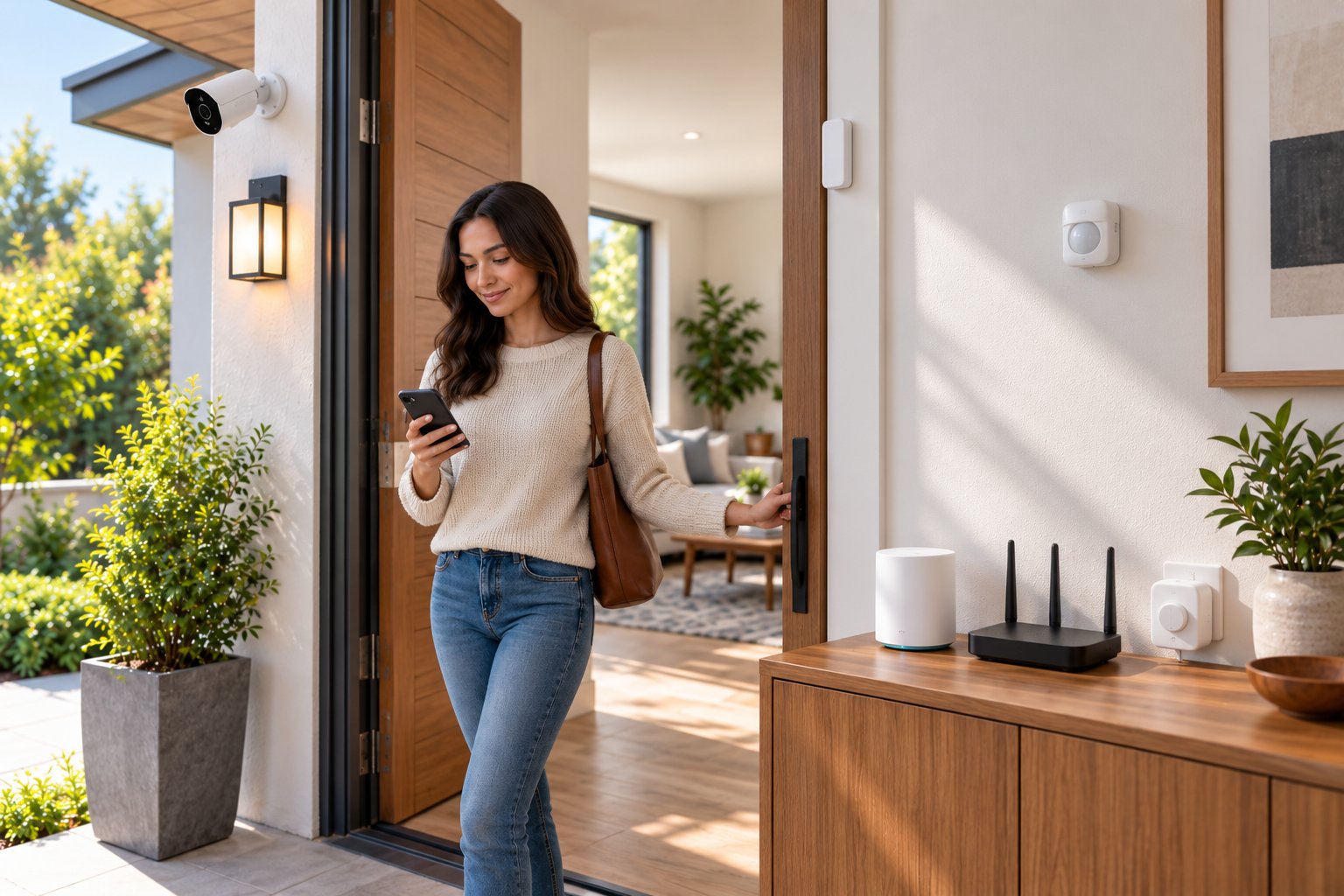
You do not need a complicated collection of connected products to improve home security.
Start by identifying the parts of the property that are difficult to monitor from inside.
The front entrance, driveway, garage, backyard gate, and side passage are common priorities.
A camera can show what happened in those areas. Compatible sensors can add information about doors, windows, or environmental conditions.
The most effective setup is one where each device has a clear job and where you can reliably access the information it provides.
AI Security Cameras for Yard and Entryway Monitoring
For many households, a security camera is the most useful first purchase.
A network-connected IP Camera captures digital video and sends it through a supported connection, commonly WiFi or Ethernet.
AI-enabled models can classify certain motion events, while the camera's application may provide live viewing, recordings, and settings.
Before purchasing, consider the following features.
1. Image quality and camera position
Resolution matters, but placement often matters just as much.
A high-resolution camera positioned too far from the entrance may produce less useful footage than a more carefully positioned camera with a narrower view.
For a front door, concentrate on the area where visitors approach and stand.
For a driveway, consider whether one camera can capture both the entrance and the area around parked vehicles with enough detail.
Avoid judging performance solely by the maximum resolution printed on the product listing.
2. Detection capabilities
Check the exact object categories a camera can recognize.
Some models offer human detection. Others can distinguish vehicles or animals.
A camera advertised with AI motion detection should not automatically be assumed to support every classification category.
Choose the detection features that match the property.
For an entryway, human detection may be sufficient. For a driveway, vehicle detection could be useful if supported.
3. Night vision
Outdoor monitoring should remain useful after sunset.
Infrared night vision allows compatible cameras to capture images in low-light conditions without relying on bright visible lighting.
Color night vision may depend on ambient light or a built-in spotlight.
Check how the camera performs under the lighting conditions at the actual installation location.
If the entrance is shaded or the camera faces a dark garden, daytime footage alone will not tell you whether the setup is suitable.
4. Storage and recording modes
Check whether the camera supports local storage and how recording works.
Useful questions include:
-
Can the camera save clips to a MicroSD card?
-
Is continuous recording available, or only motion-triggered recording?
-
Does recording continue if the internet connection fails?
-
How are older recordings overwritten?
-
Can important footage be exported?
-
Can recordings be accessed locally when necessary?
Some battery-powered cameras do not offer continuous recording.
That is not necessarily a problem for occasional entrance monitoring, but it matters if you want an uninterrupted record of activity.
5. Outdoor installation and power
Outdoor cameras need suitable weather protection and a dependable power supply.
Check the manufacturer's mounting instructions, operating conditions, and weather-resistance rating.
Choose a location with an appropriate view and reasonable protection from direct weather exposure where practical.
Protect power connections from moisture and avoid leaving cables exposed where they can easily be damaged or disconnected.
6. Network compatibility
Many WiFi security cameras use the 2.4 GHz wireless band.
This band often provides better coverage through common household obstacles than 5 GHz, although actual performance depends on the building and nearby interference.
ROOXIS camera setup guidance identifies 2.4 GHz connectivity for supported models.
Check the exact wireless requirements before purchasing or changing router settings.
Choosing cameras for different locations
| Monitoring Area | Features to Prioritize | Installation Advice |
|---|---|---|
| Front entrance | Human detection, clear video, night vision | Capture visitors approaching the door |
| Driveway | Wide coverage, detection zones, suitable detail | Exclude unnecessary road activity |
| Backyard | Human detection, outdoor protection, night recording | Focus on gates and access paths |
| Garage entrance | Reliable recording, motion alerts | Monitor the actual doorway |
| Side passage | Low-light recording, targeted detection | Reduce blind spots and reflections |
Where ROOXIS cameras fit
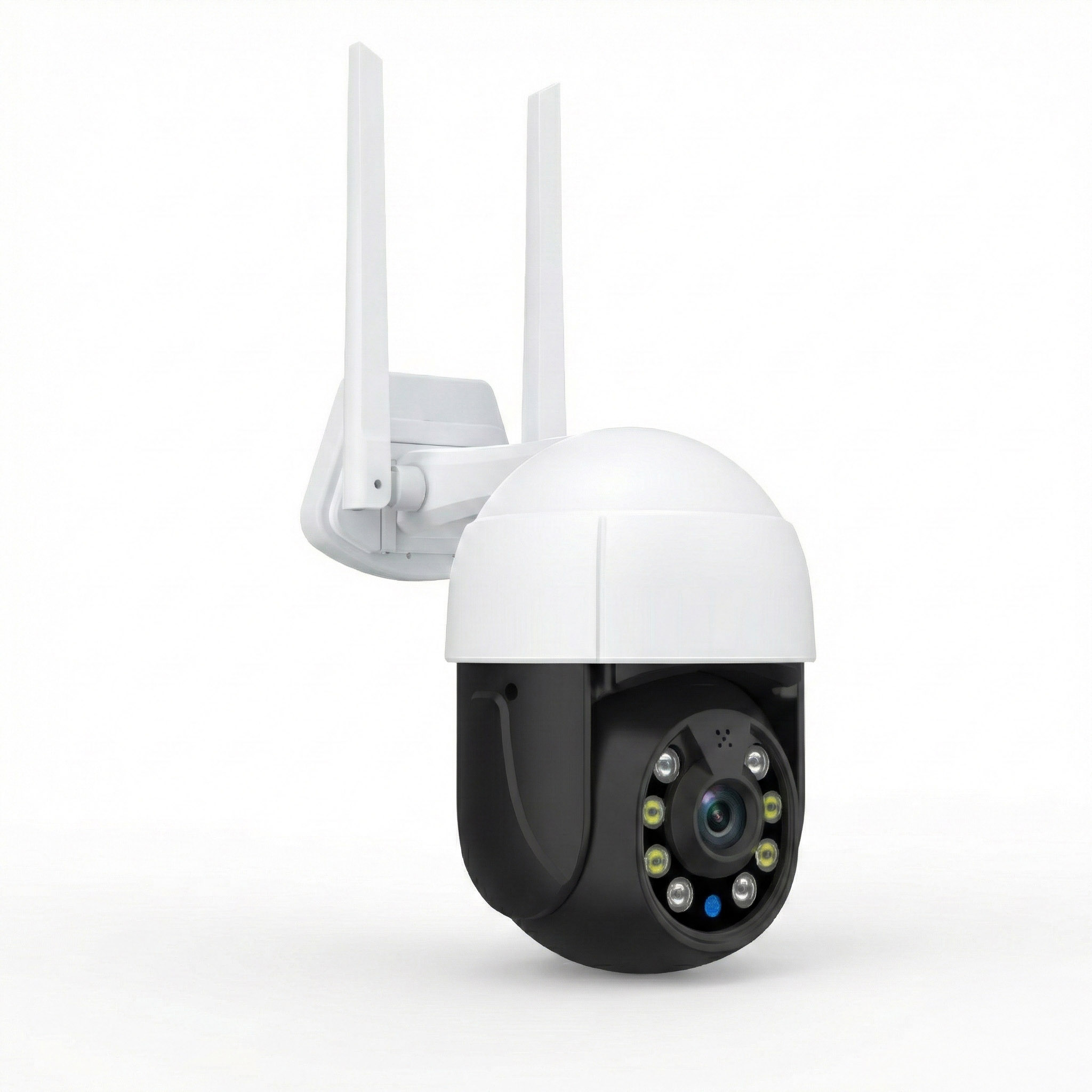
ROOXIS offers outdoor cameras with features such as AI-assisted motion detection, high-resolution recording, night vision, and pan and tilt functions on supported models.
These capabilities make them worth considering for entrances, driveways, and backyard monitoring.
When comparing models on Amazon, review the individual listing carefully. Camera resolution, storage support, movement controls, and detection categories can differ.
Select the features needed for your property rather than choosing a model based on the longest specification list.
Smart Hubs and Automated Environmental Sensors
Cameras are useful, but they cannot monitor everything.
A camera overlooking the garage will not necessarily tell you whether a window has been left open or water is leaking beneath a sink.
That is where dedicated sensors and compatible smart home systems become useful.
Door and window sensors
Contact sensors identify changes between open and closed positions.
They can help monitor side doors, garage access doors, or windows that are not easily visible from living areas.
For example, a contact sensor on a garden access door can provide a useful status update when supported by its connected system.
Smart lighting
Automated lighting can improve visibility around entrances and walkways.
A compatible motion sensor could turn on a porch light when someone approaches after dark.
A scheduled routine could switch exterior lighting on during the evening and off later.
These routines do not necessarily require AI, but they are useful forms of Home Automation.
Water leak sensors
A water sensor beneath a washing machine or kitchen sink can identify moisture where it should not be present.
Place the sensor where water would first collect, rather than high above the floor.
The device should support an appropriate local alarm or notification method for the level of protection you need.
Temperature and humidity sensors
These can help monitor garages, storage areas, or rooms where environmental conditions matter.
For example, a humidity sensor may provide useful information about a poorly ventilated storage space.
The reading alone does not solve the problem, but it can help you recognize when conditions need attention.
Smart hubs
A hub coordinates compatible devices and may allow several products to work together.
Consider a simple garage routine.
A supported door sensor detects that the garage access door has opened. A compatible hub then turns on the garage light during selected hours.
The action is straightforward and useful.
Before buying a hub, verify compatibility with the devices you intend to connect. Products using different apps or wireless standards may not work together automatically.
Also check whether automation routines operate locally or require an internet connection.
Keep critical safety equipment independent
Smart home automation should not replace properly installed smoke alarms, carbon monoxide alarms, secure locks, or other essential safety measures.
Phone notifications can be delayed or unavailable during network interruptions.
Critical alarms should continue performing their intended functions without depending entirely on a smartphone application.
A dependable home automation security setup combines useful connected features with basic physical security and reliable safety equipment.
How to Optimize Your WiFi Network for AI Devices
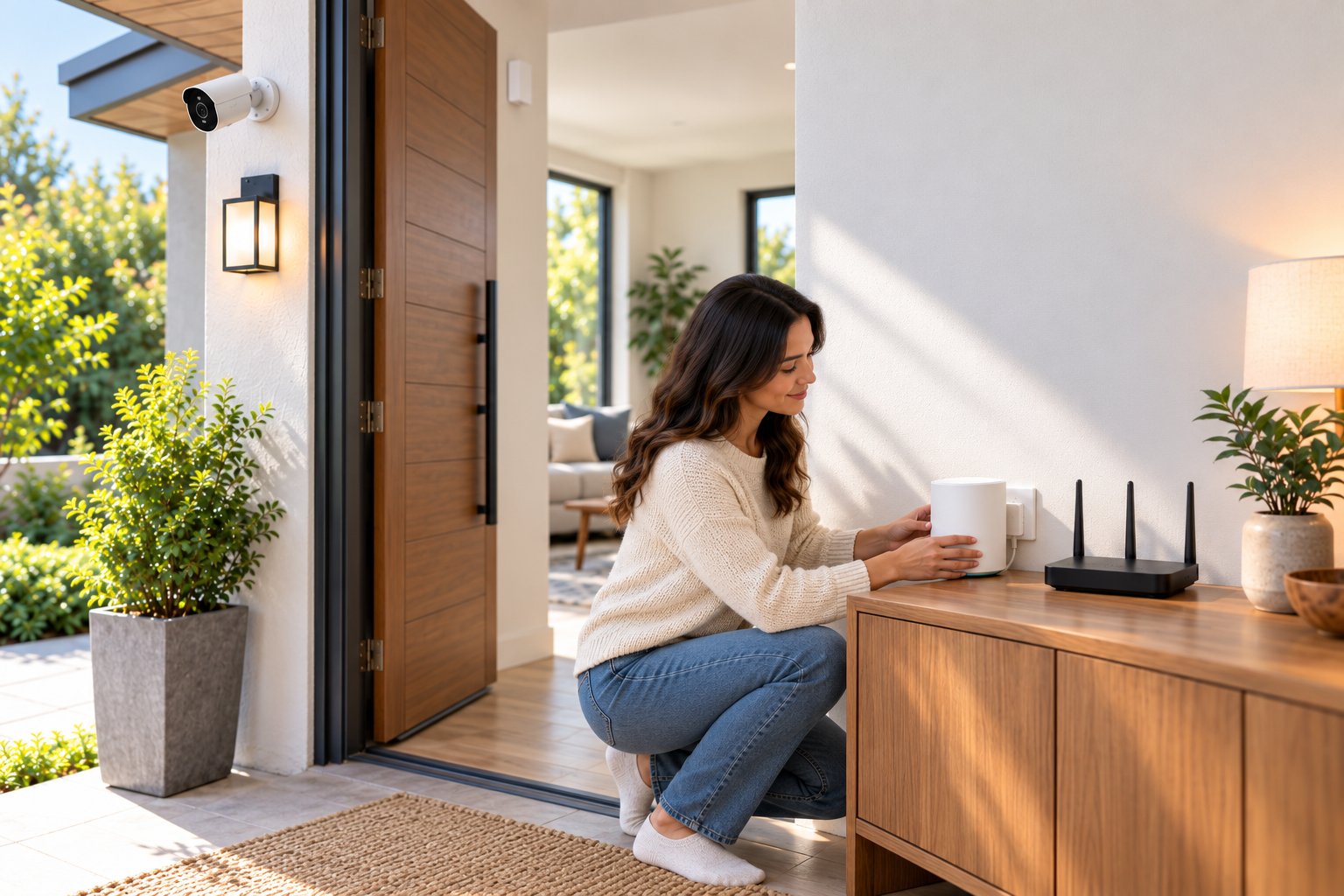
A security camera can have good image quality and capable AI detection but still be frustrating to use if its WiFi connection keeps dropping.
Delayed live video, interrupted playback, and devices regularly appearing offline can all point to a network problem.
Before replacing a camera, check the wireless connection at its installation location.
1. Improve router placement
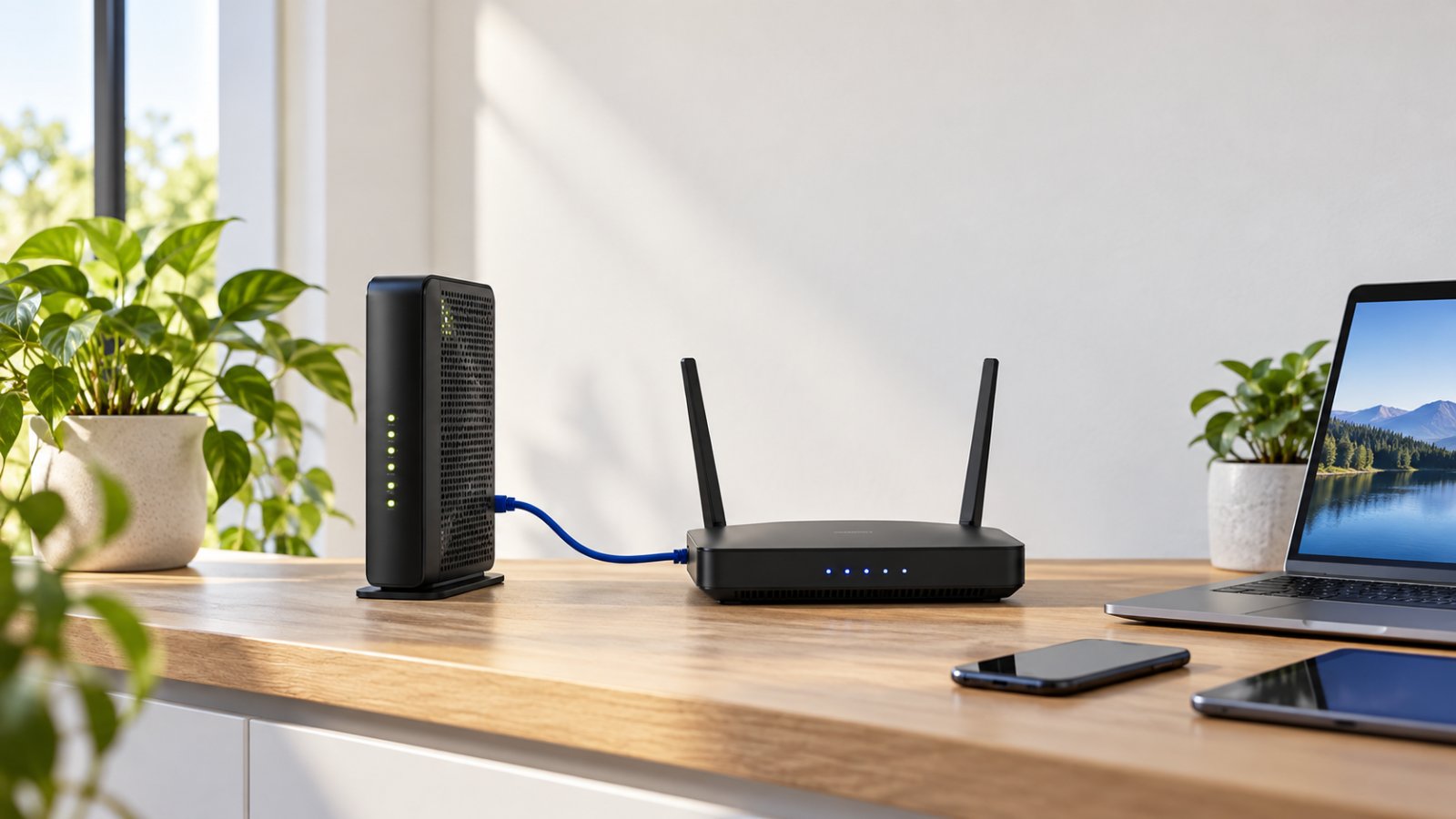
A router hidden inside a cabinet or placed behind a television may struggle to provide consistent coverage around the property.
Keep it in an open location, preferably away from large metal objects, dense walls, and unnecessary sources of interference.
A reasonably central position can help distribute the signal more evenly.
If the router is currently in a corner beside the incoming broadband connection, check whether its position can be improved safely.
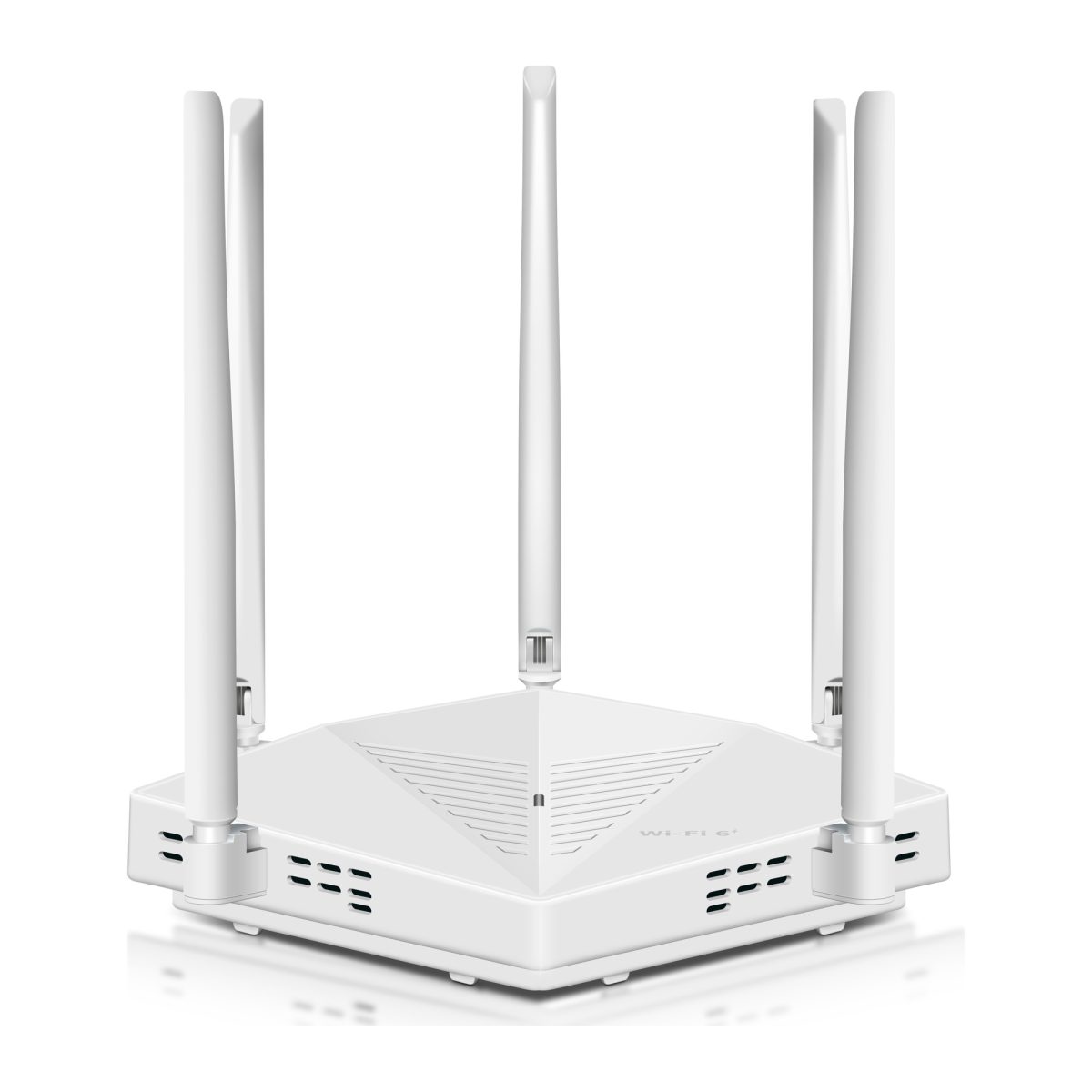
ROOXIS provides practical router placement tips for improving wireless coverage.
2. Check the WiFi bands your devices use
Most modern home routers support 2.4 GHz and 5 GHz connections.
The 2.4 GHz band generally offers greater range in similar conditions, making it useful for many smart cameras and sensors.
The 5 GHz band can provide more capacity at shorter distances, but walls and other obstacles may weaken it more quickly.
Not every camera supports both bands.
If a camera requires 2.4 GHz WiFi, ensure that band is enabled and that the router uses compatible security settings.
Some devices may also need a particular pairing process when the router uses the same network name for both bands.
Follow the camera manufacturer's connection instructions rather than changing every router setting at once.
3. Test signal strength before mounting an outdoor camera
The signal beside the router does not tell you much about coverage at the far end of the garden.
Test the connection at the proposed mounting location.
A camera installed beyond a brick wall, metal garage door, or several rooms may receive a weaker signal than expected.
If possible, power the camera temporarily at its intended position.
Open its supported application and check the live feed.
Look for delayed loading, interrupted video, and repeated disconnections.
Try accessing recordings and changing basic settings.
If the connection is unreliable before permanent installation, investigate network coverage first.
4. Use a WiFi extender where appropriate
A range extender may help when the main router provides a good connection indoors but struggles to reach an outdoor camera.
The extender connects to the existing wireless network and expands usable coverage into another area.
Placement is essential.
An extender installed where the original signal is already extremely weak cannot create a strong connection from nothing.
Put it somewhere between the router and the problem area, where it can still receive a reliable signal.
For example, if the router is in the living room and a camera sits outside the garage, an extender in a suitable hallway or room facing the garage may help.
Test coverage before settling on its final location.
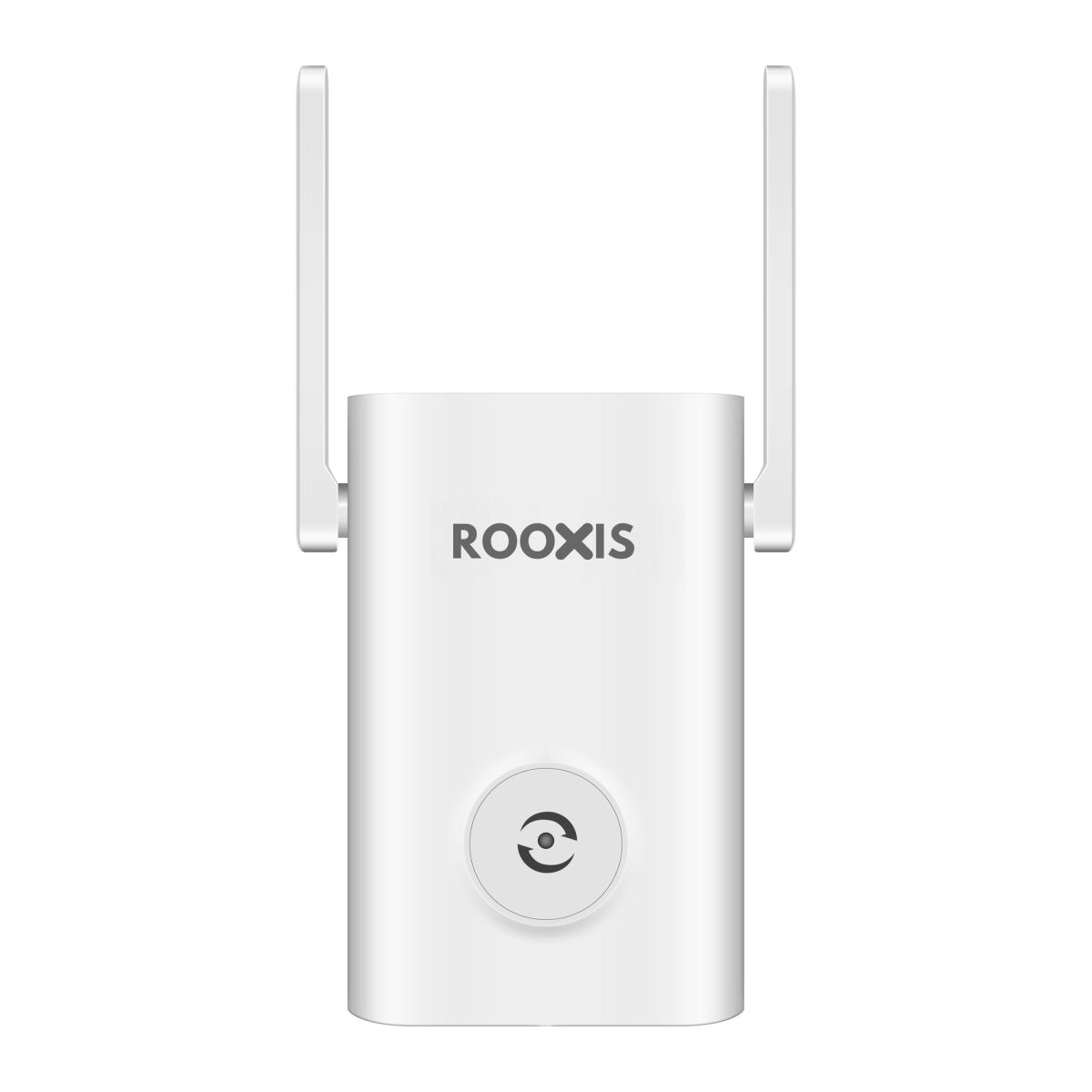
ROOXIS offers WiFi range extenders designed to improve coverage around homes.
Some models also support access point operation, which can be useful where an Ethernet connection is available.
A wired access point can be a more predictable option than repeating a weak wireless signal.
5. Understand the bandwidth used by AI cameras
The amount of network traffic a camera creates depends on its recording and viewing settings.
Factors include:
-
Video resolution.
-
Frame rate.
-
Video compression.
-
Continuous or motion-triggered recording.
-
Number of cameras.
-
Number of simultaneous viewers.
-
Whether footage is transmitted to a local recorder or uploaded over the internet.
A high-resolution camera streaming continuously usually requires more network capacity than one transmitting short motion clips.
AI analysis performed on the camera does not automatically require substantial additional internet bandwidth.
However, live video still needs enough capacity whenever it is streamed across the network.
For remote viewing, check the home's internet upload performance as well as its download speed.
Several high-quality video streams can place considerable demand on a limited upload connection.
There is no single bandwidth figure that fits every AI-powered camera. Use the manufacturer's requirements and test the connection with the recording settings you intend to use.
6. Keep the network manageable
A connected home may contain laptops, televisions, phones, cameras, speakers, plugs, and sensors.
Many smart sensors transfer very little data. Streaming video devices are more demanding.
Where possible, connect stationary high-bandwidth devices through Ethernet.
This can reduce unnecessary wireless traffic and leave more capacity for cameras and mobile equipment.
If your router supports traffic prioritization, review the available options before enabling them.
Also remove unused devices from the network and avoid keeping old connected products active when they are no longer needed.
7. Protect your router and connected devices
Every network-connected security device needs basic security maintenance.
Start with the router.
Use a strong administrator password and supported modern WiFi encryption.
Install firmware updates from the manufacturer when available.
For connected cameras, check account security settings and enable multifactor authentication where supported.
Limit access to people who actually need to view the footage.
Avoid sharing administrator credentials casually.
A separate IoT or guest network may help isolate supported smart devices, provided the router offers suitable controls.
However, network separation can interfere with camera discovery or smart hub communication.
Test those functions after changing network settings.
8. Check the system regularly
A smart home setup should not be treated as maintenance-free.
Outdoor cameras can collect dust, spider webs, or moisture around exposed surfaces.
MicroSD cards can develop recording errors.
A router update may change network behavior, and moving furniture or installing new equipment can affect wireless coverage.
Make occasional checks part of household maintenance.
Review a recent camera recording, test motion detection, check available storage, and confirm that remote viewing still works when required.
After changing router settings or installing a range extender, check the cameras again.
Practical checklist before buying another AI device
Use these questions to narrow your options.
-
Does the device solve a specific monitoring or automation problem?
-
Are its advertised AI functions included without an unwanted subscription?
-
Can recordings be stored locally if that matters to you?
-
Does the device support your existing WiFi network?
-
Is the installation location within reliable coverage?
-
Does it work with your smart hub or automation system, if required?
-
Is a suitable power source available?
-
Can you manage updates, passwords, recordings, and alerts without unnecessary complexity?
If your current camera works well near the router but keeps disconnecting outdoors, improving WiFi coverage may be the better purchase.
If coverage is already reliable but the camera constantly misidentifies motion, detection settings or a more capable camera may be worth considering.
Fix the actual problem before adding more equipment.
Frequently Asked Questions About AI Smart Home Devices
How does AI camera motion detection reduce false alarms?
AI camera motion detection uses Computer Vision to classify supported objects or activity rather than treating every change in the image as equally important. A compatible camera can focus alerts on people while filtering some movement caused by plants, shadows, or other background activity. Accuracy still depends on lighting, camera placement, detection zones, and the model's capabilities, so false alerts cannot be eliminated completely.
Do AI smart home devices require a monthly subscription?
No. Many AI smart home devices include local detection, automation, or recording features without mandatory monthly fees. ROOXIS offers subscription-free camera features and local recording options on compatible models. Always check which features are included with the device and whether any optional online services cost extra.
What network bandwidth do AI-powered security cameras need?
Bandwidth requirements depend on resolution, compression, frame rate, recording mode, and the number of active video streams. Cameras that perform AI analysis locally do not necessarily need additional internet bandwidth for that processing, although remote live viewing still uses network capacity. Check the manufacturer's guidance and test the camera under your normal viewing conditions.
Can AI smart home devices work with standard WiFi routers?
Yes. Many AI smart home devices connect to standard home routers when the wireless band, security settings, and network requirements are compatible. Some security cameras require 2.4 GHz WiFi, while other devices use dedicated hubs or different communication technologies. A well-positioned router or compatible range extender can help maintain reliable coverage.
Conclusion
AI-powered smart home devices are worth considering when they solve everyday problems, such as monitoring entrances, reducing unnecessary alerts, and automating lighting around the property.
Start with a reliable camera, choose detection features you will actually use, and confirm that its recording options match your preferences. Then make sure the WiFi connection reaches the installation location consistently.
ROOXIS offers outdoor security cameras, WiFi routers, and range extenders for practical connected-home setups. Explore the ROOXIS range at rooxis.com or on Amazon to find equipment suited to your home's monitoring and connectivity needs.