AI-Powered Smart Home Devices: Automation & Security Guide
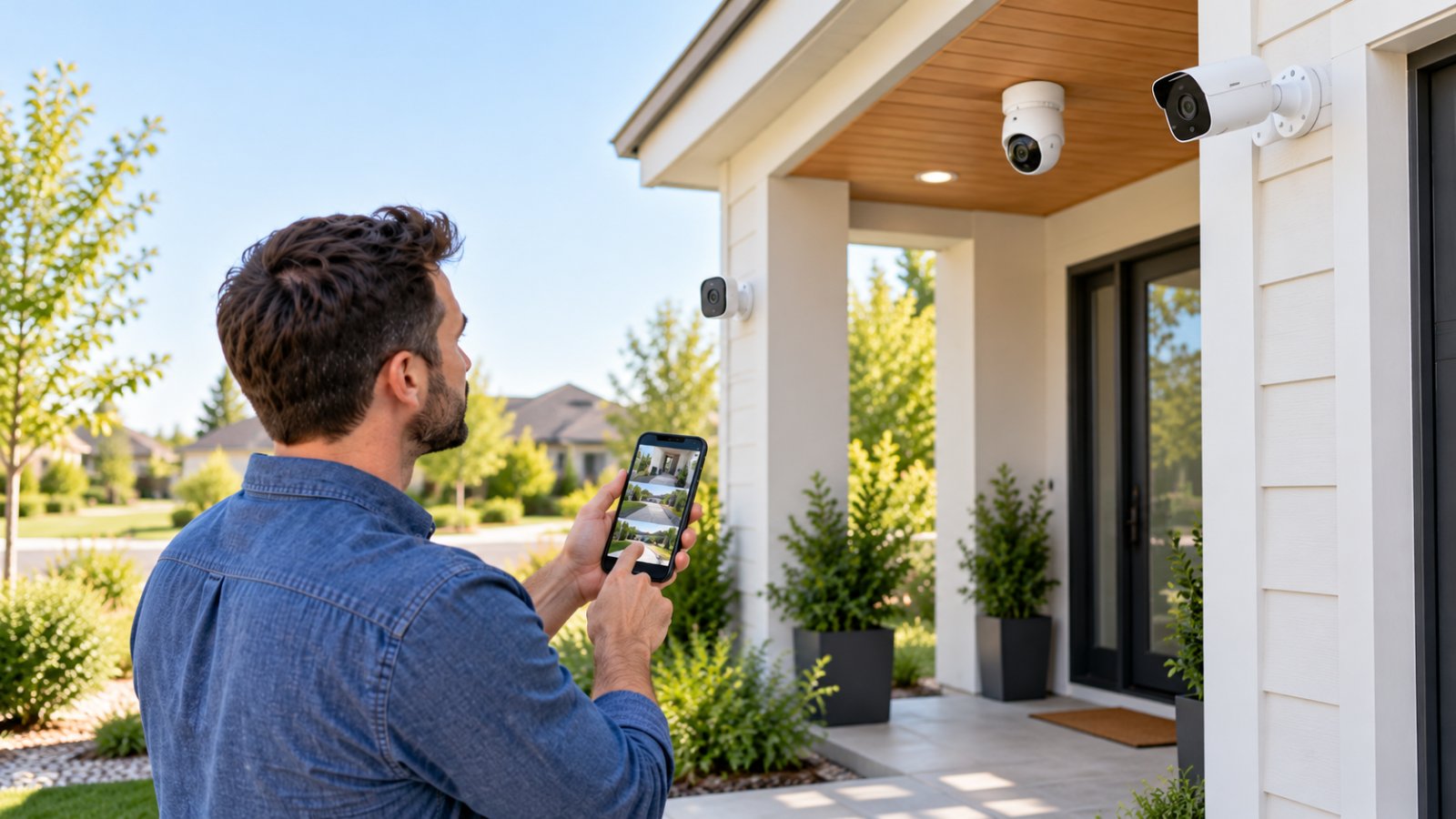
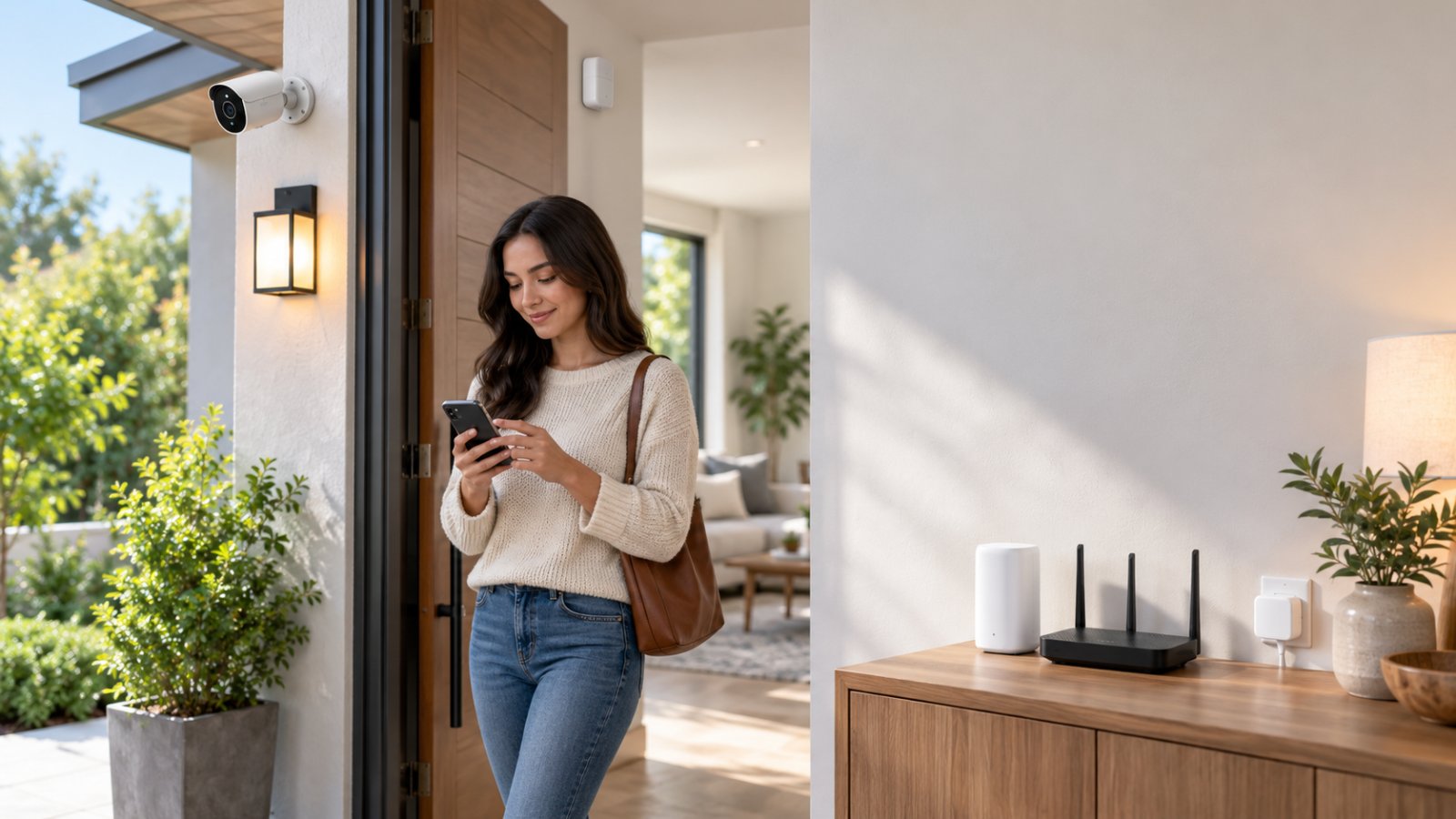
See how AI-powered smart home devices help monitor entrances and automate lighting. Learn what to check in AI motion detection, storage, and WiFi.
Read articlePractical guides on WiFi coverage, home security cameras and smart-home setup — written by the team that builds and supports ROOXIS products.
See how AI-powered smart home devices help monitor entrances and automate lighting. Learn what to check in AI motion detection, storage, and WiFi.
Read article
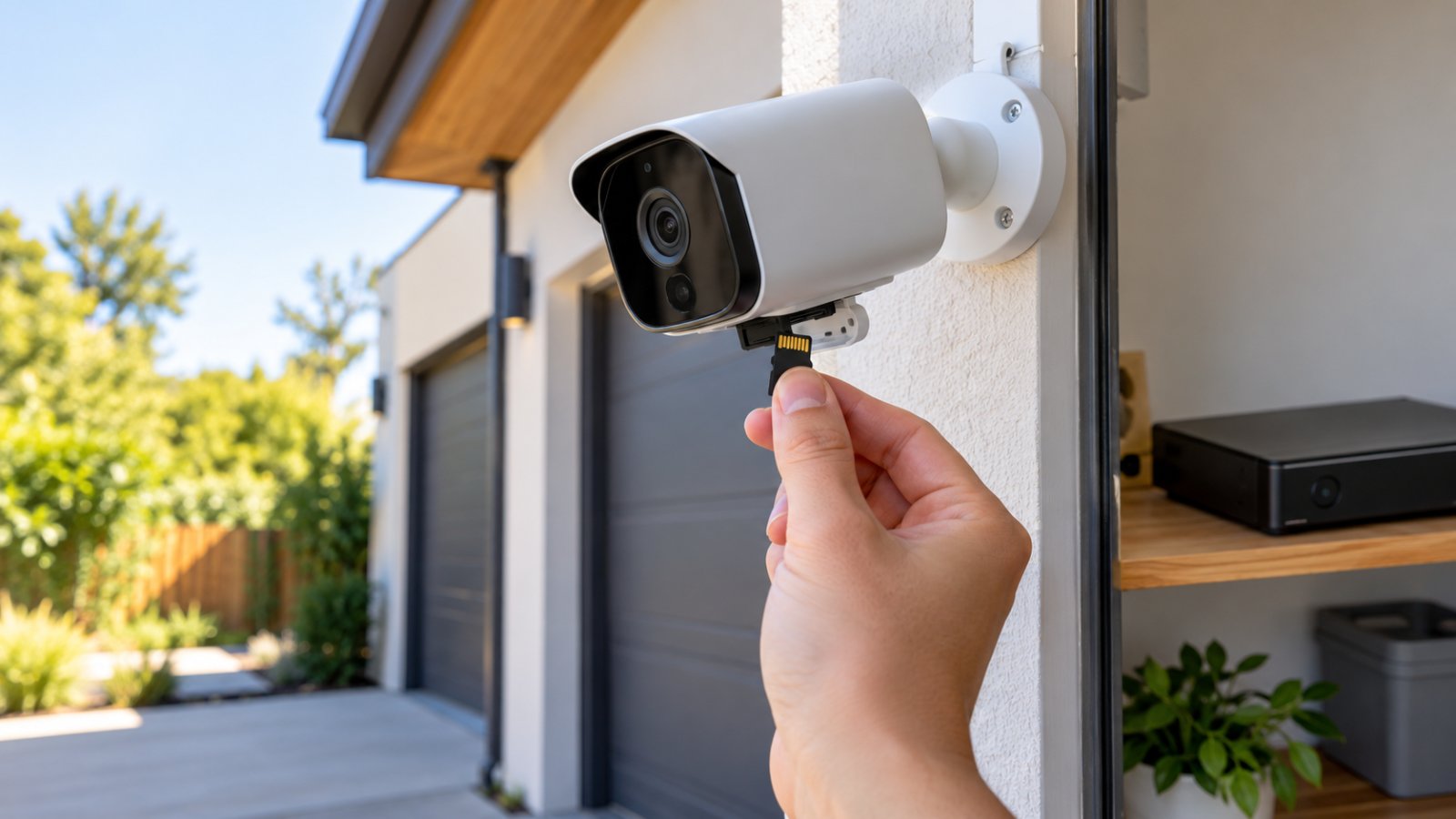
Learn how security cameras without WiFi record footage using MicroSD cards, NVRs, and DVRs. Compare storage options and follow simple setup steps.
What is bridge in computer networking? Compare a network bridge vs router, understand MAC addresses, and choose the right setup for your home WiFi.
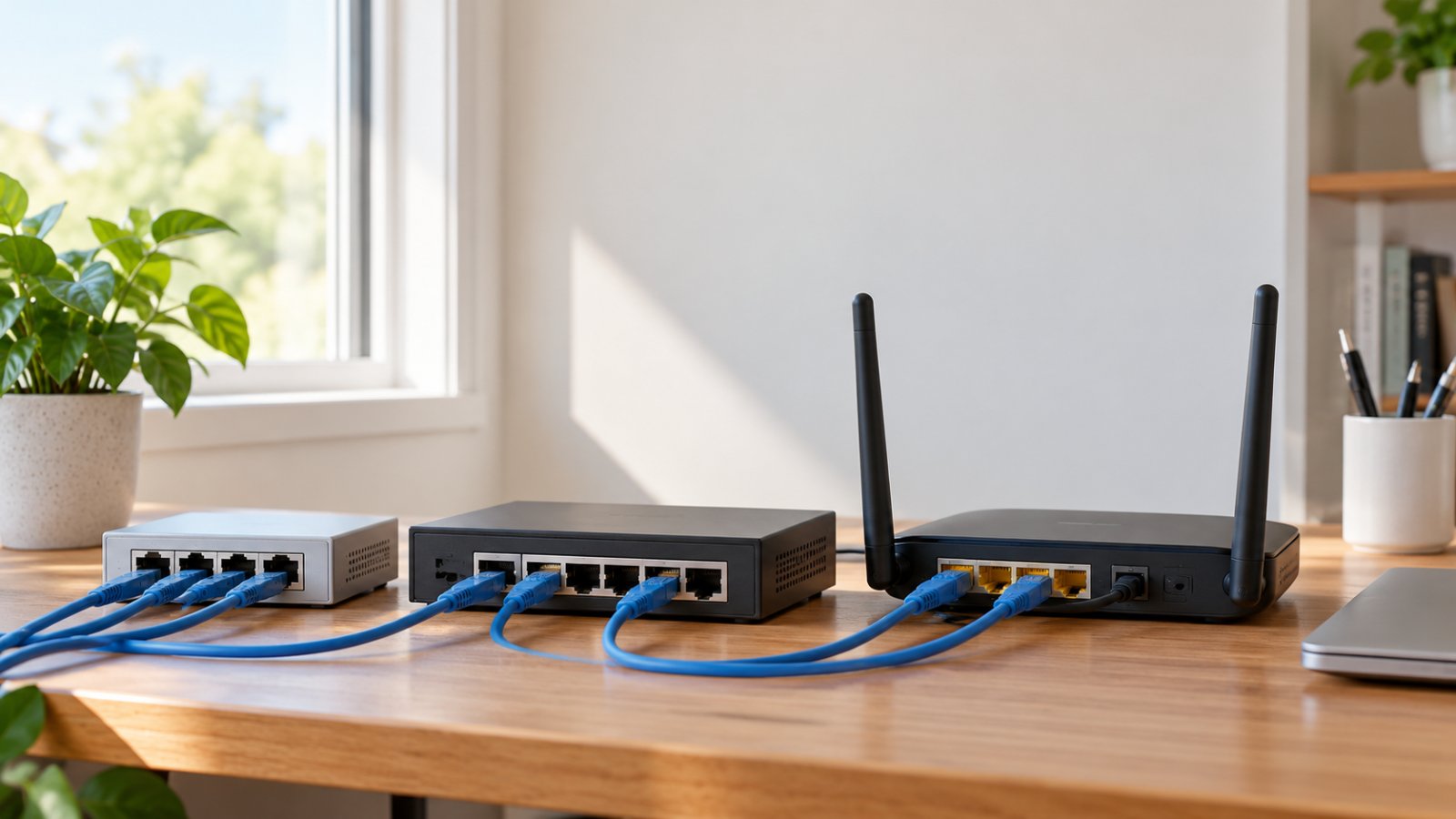
What is a hub in computer networking? Compare hubs, switches and routers, understand collision domains, and pick the right equipment for your home.
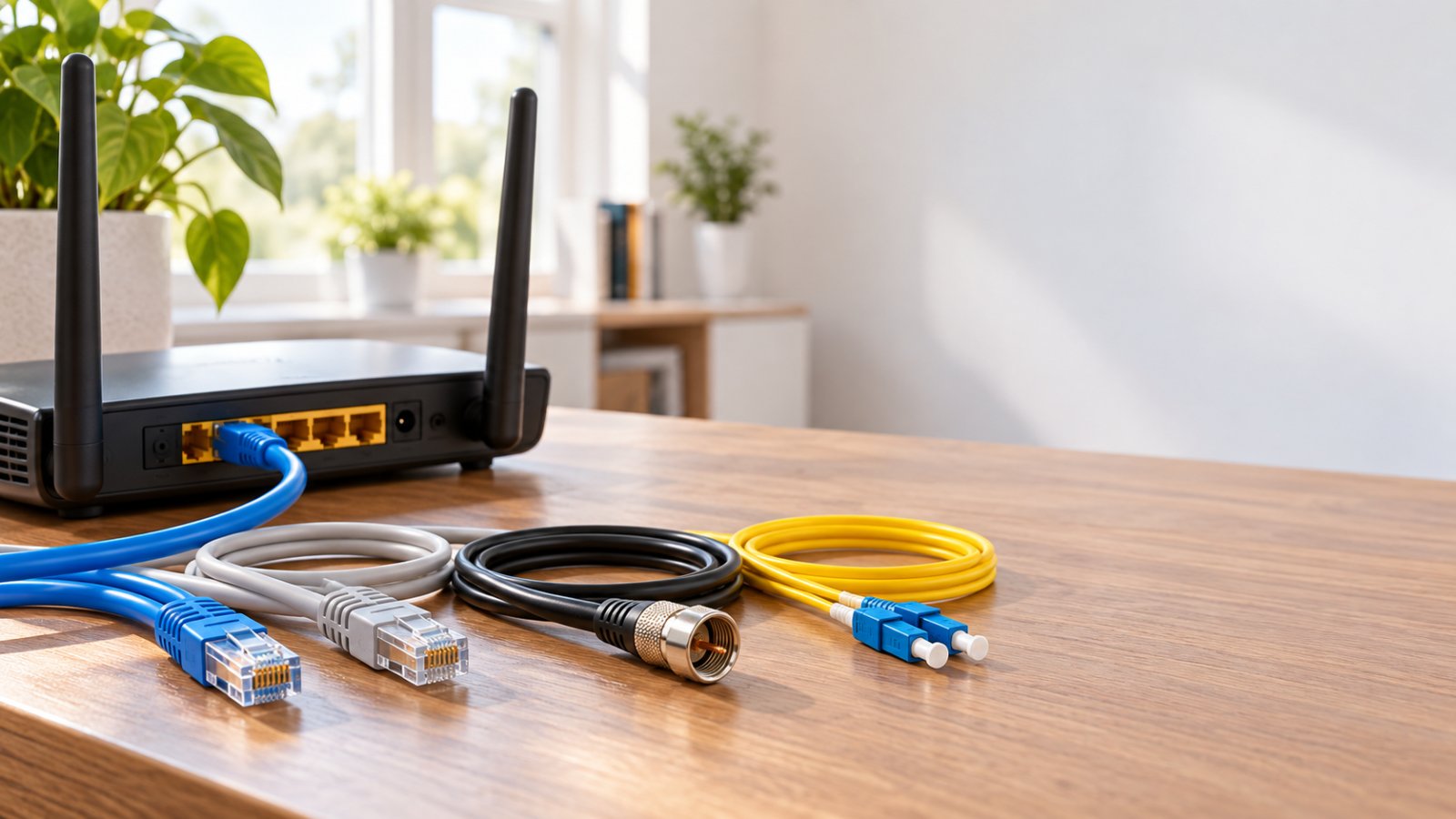
Explore types of computer networking cables, from Cat5e and Cat6 to fiber. Compare speeds, connectors and costs to choose the right cable for your router.
It includes the exact main keyword, identifies the current year, and matches the article's comparison and buying-guide intent.
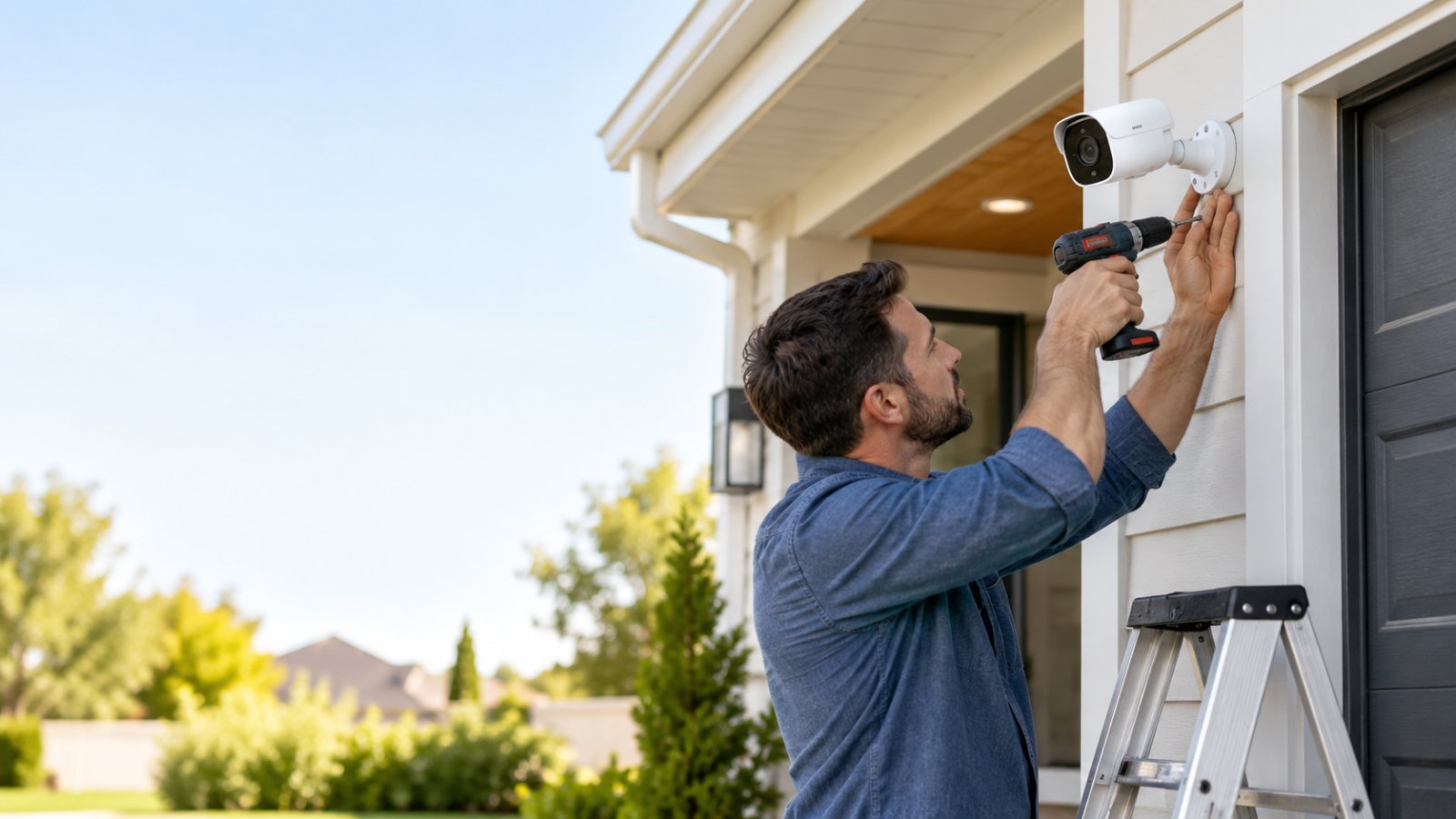
Security cameras installation made practical. Learn mounting heights, drilling, WiFi checks, weatherproofing, and camera setup for reliable home coverage.
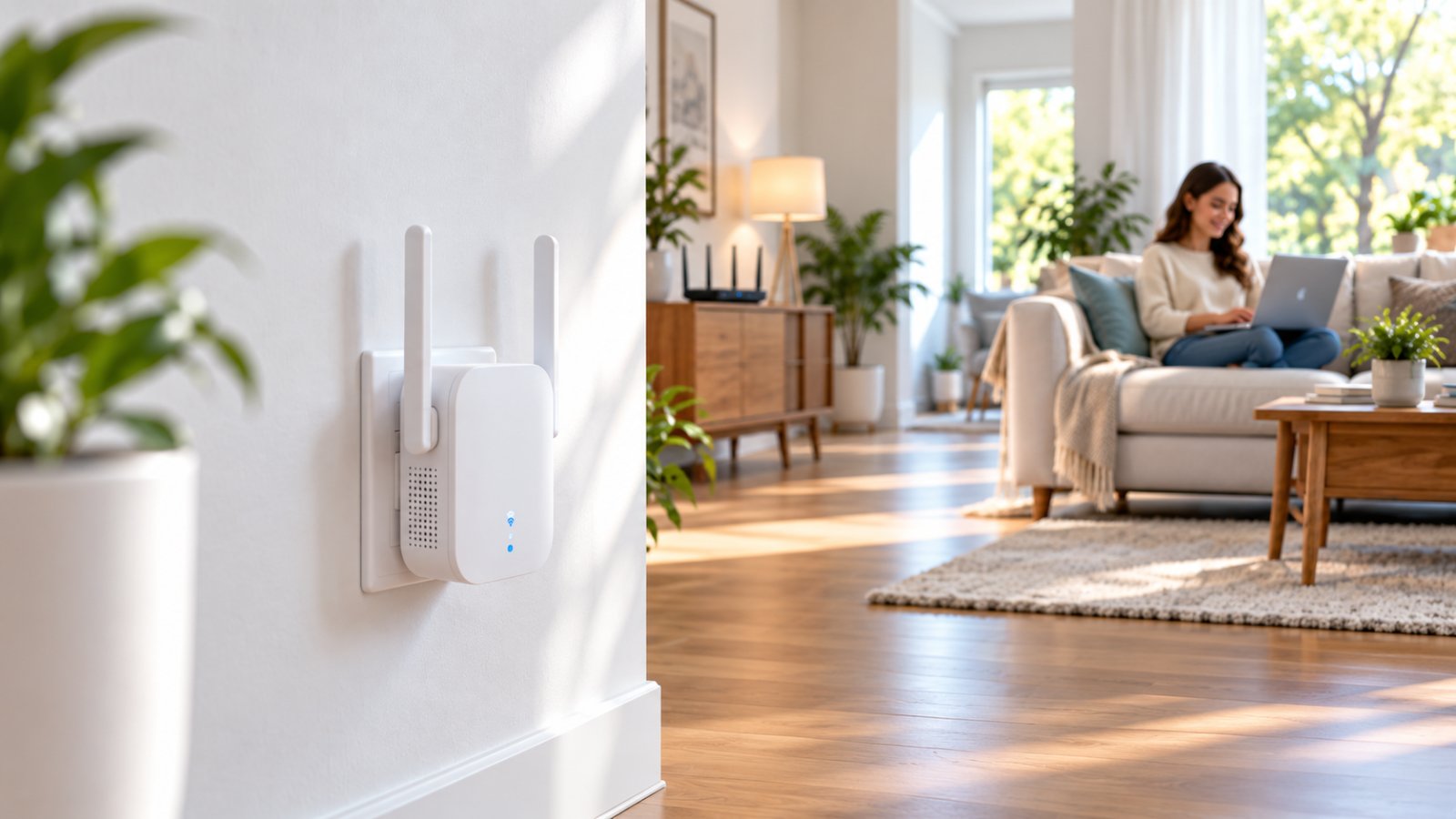
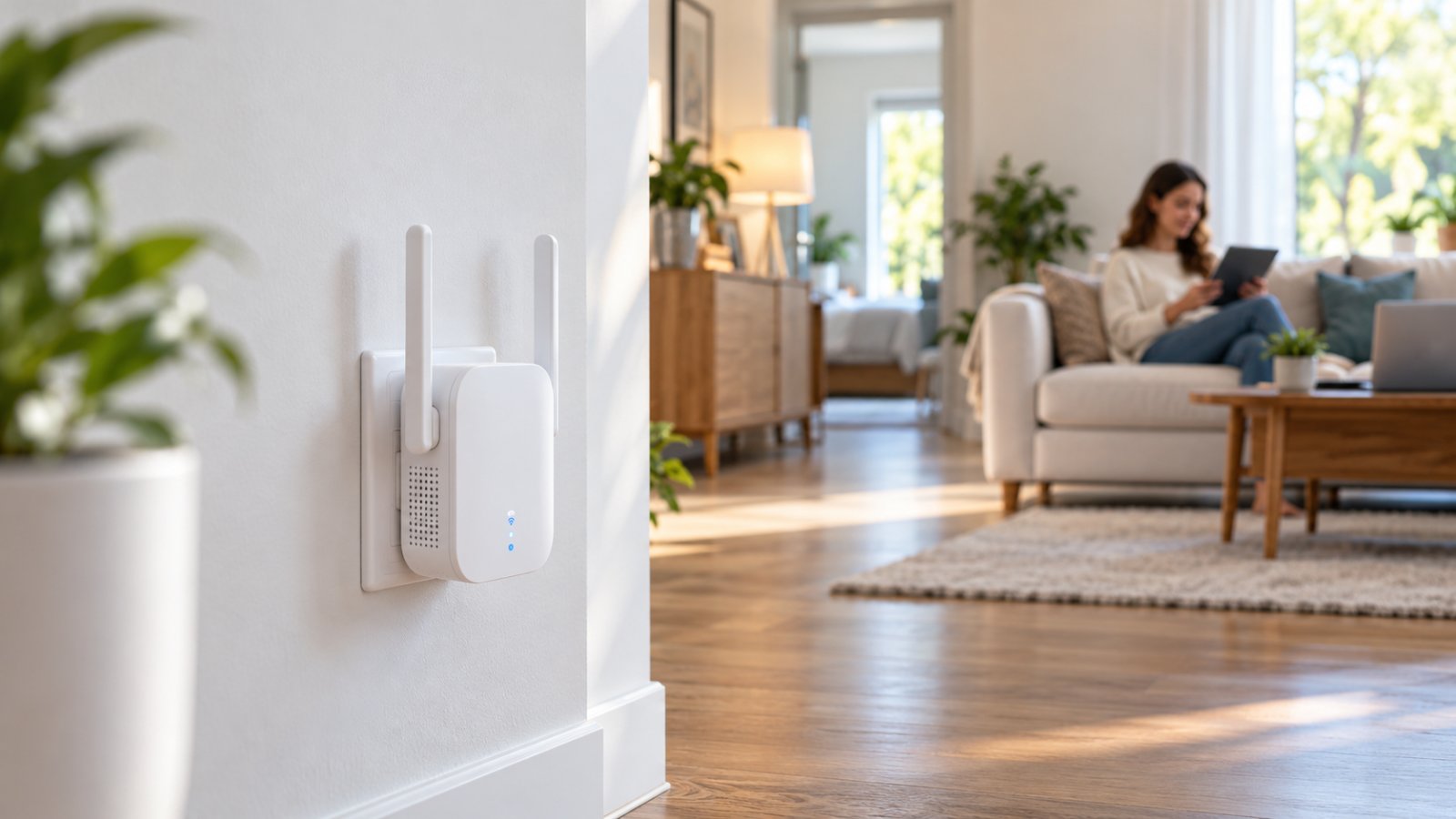
Compare ROOXIS WiFi Extender models, including AC1200 and AX1800. Follow WPS or browser setup steps, find ideal placement, and fix connection issues.
Set up the ROOXIS WiFi Extender with WPS or a browser. Learn AC1200 specs, where to place it, and how to improve weak coverage around your home.
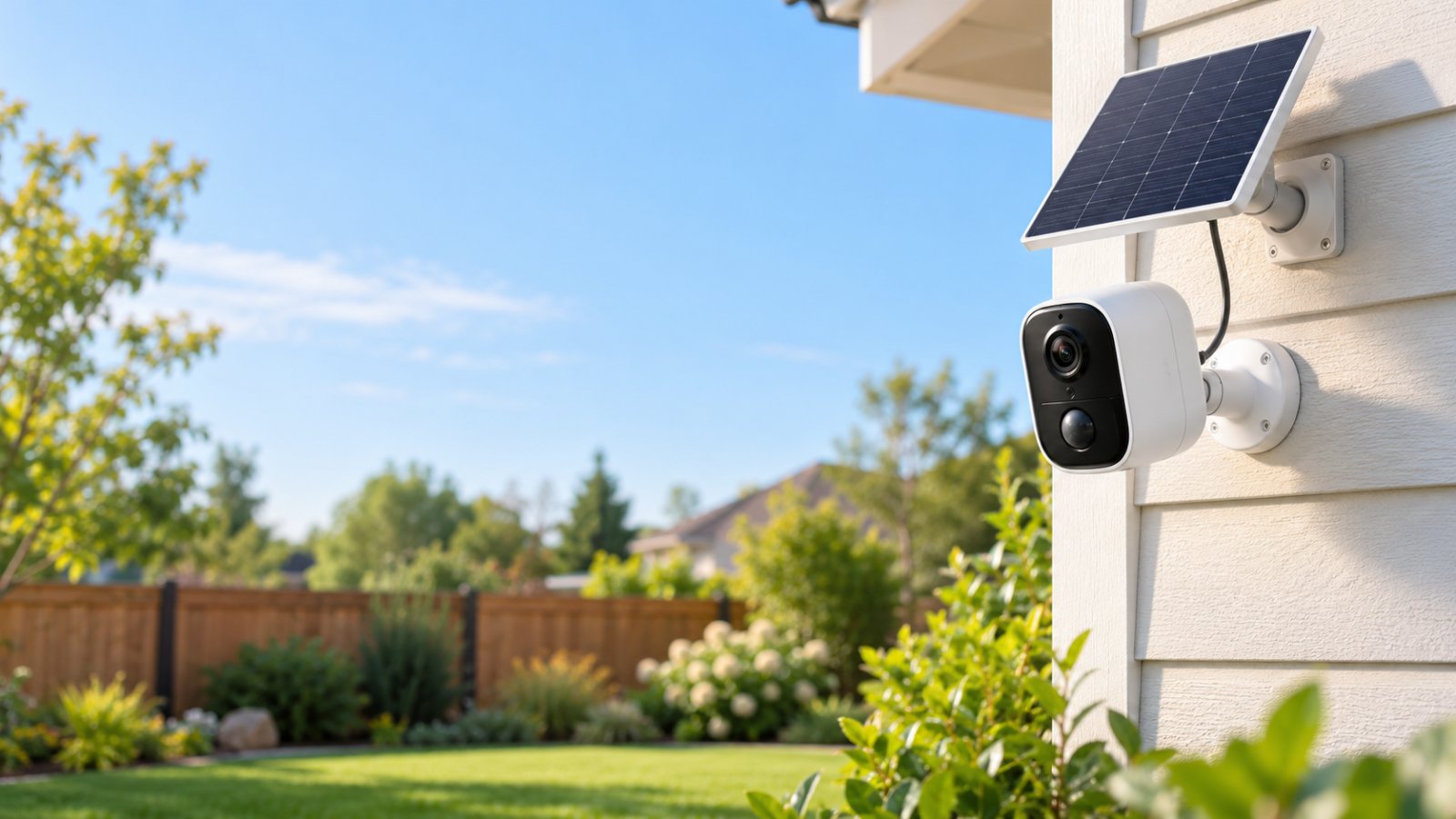
Set up wireless security cameras solar powered with practical tips on sunlight, battery life, WiFi placement, motion detection, and local recording.
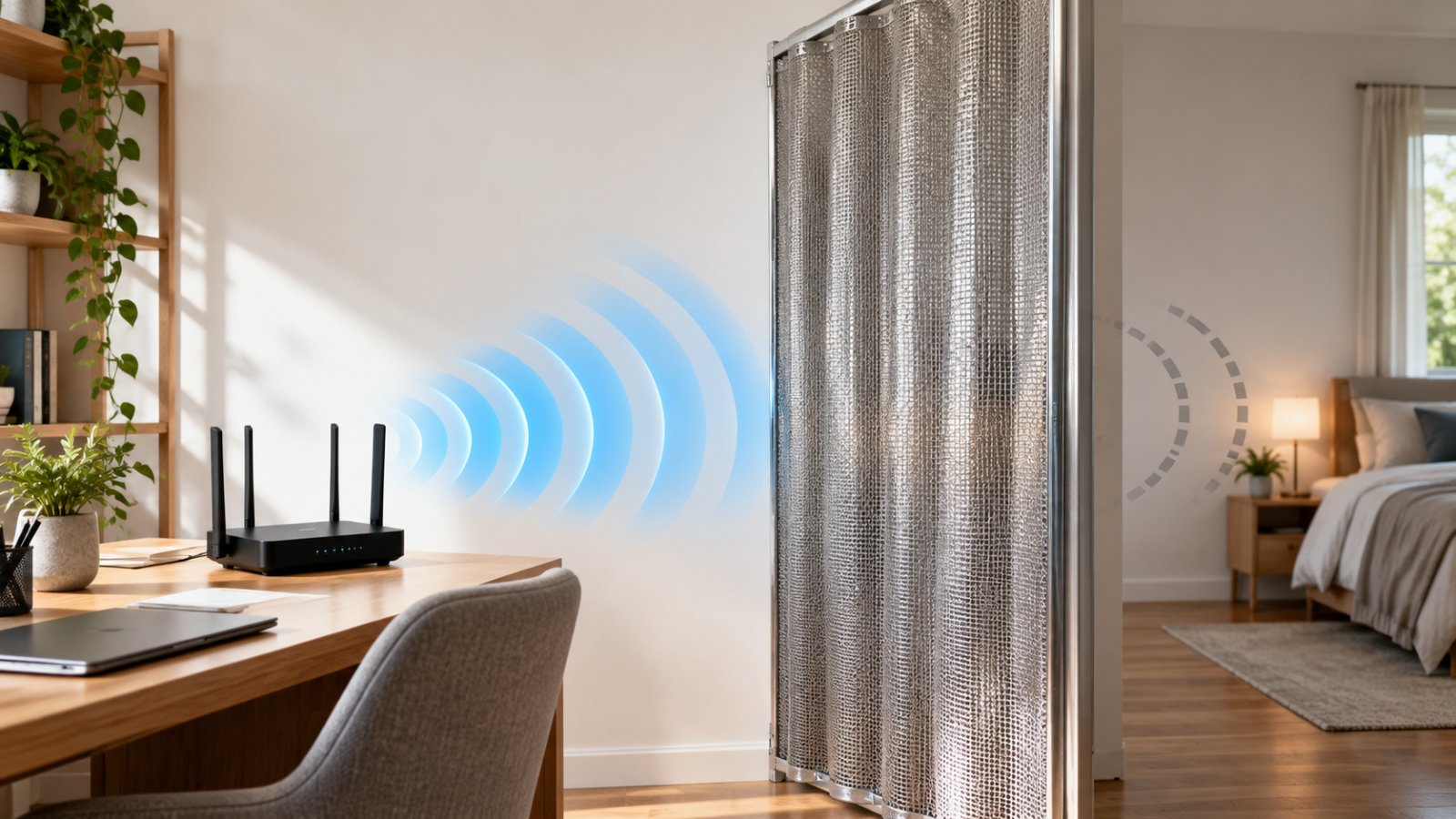
Learn how to block WiFi signal in a room using router placement, transmit power settings, and RF shielding, plus which methods have real limits.
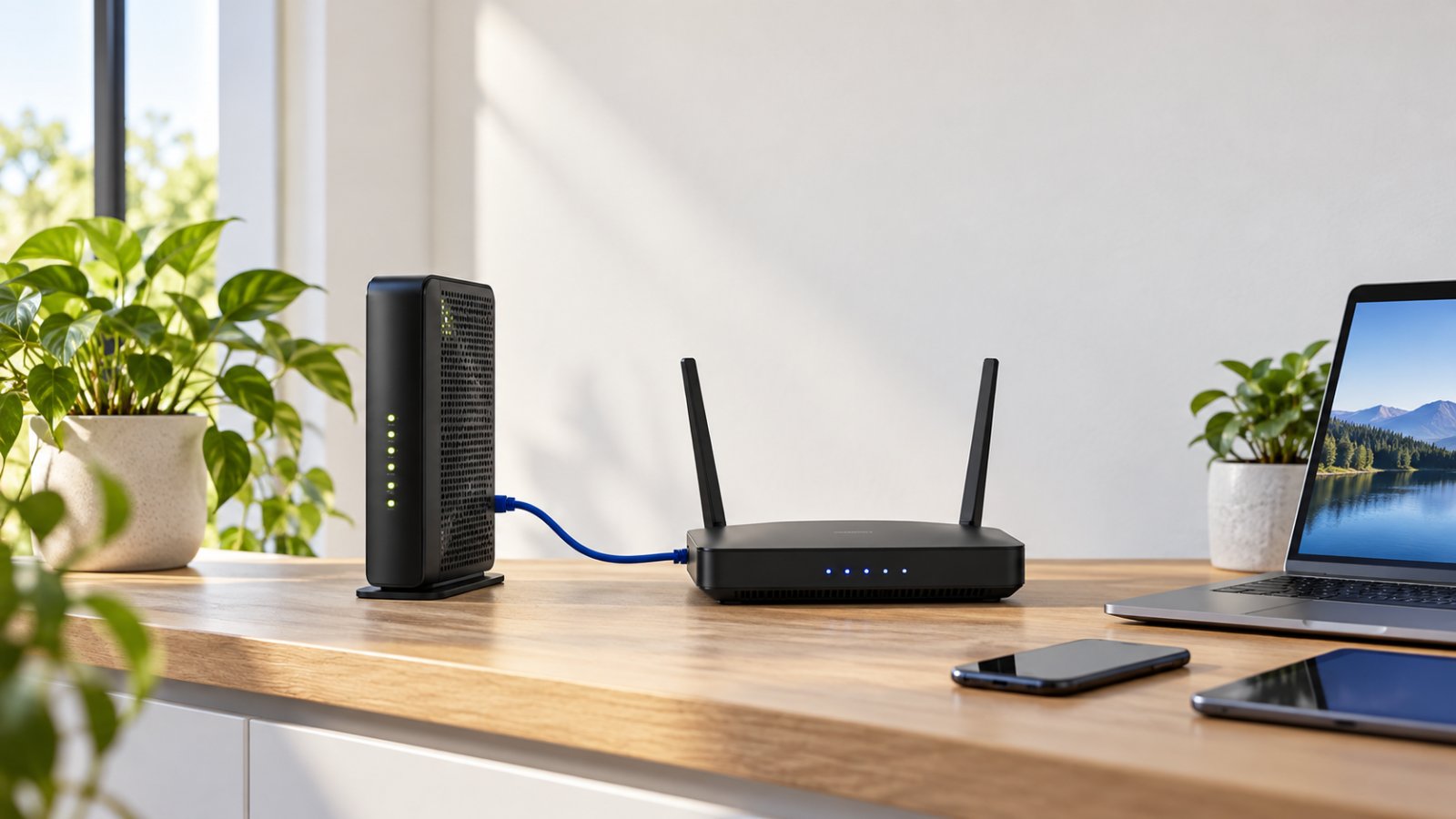
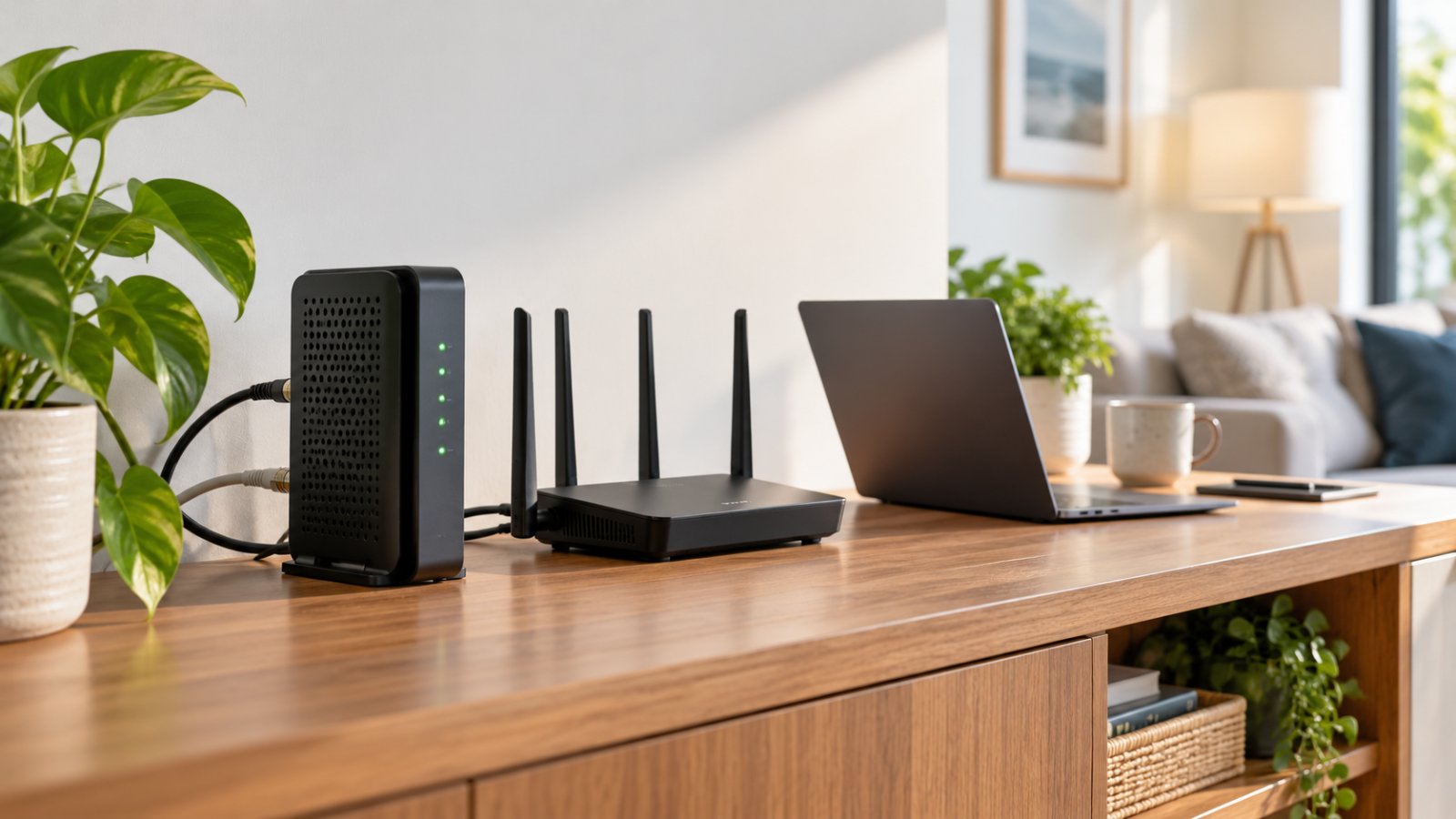
Understand routers wifi modem setups, how a gateway differs from a standalone router, and when dual-band WiFi makes sense for better home coverage.
Our Help Center has step-by-step setup guides for every router, extender and camera.