
ROOXIS WiFi Router AC1200 Dual Band
The ROOXIS AC1200 Dual Band WiFi Router delivers fast, reliable internet throughout your home. With dual-band technology reaching speeds up to 1200Mbps, four high-gain antennas for maximum coverage, and WPA3 security for added protection, this router is perfect for streaming, gaming, and connecting all your smart home devices.
- Dual Band AC1200 (300Mbps + 867Mbps)
- 4 High-Gain Antennas
- Gigabit Ethernet Ports
- WPA3 Security
- 2,500 Sq Ft Coverage
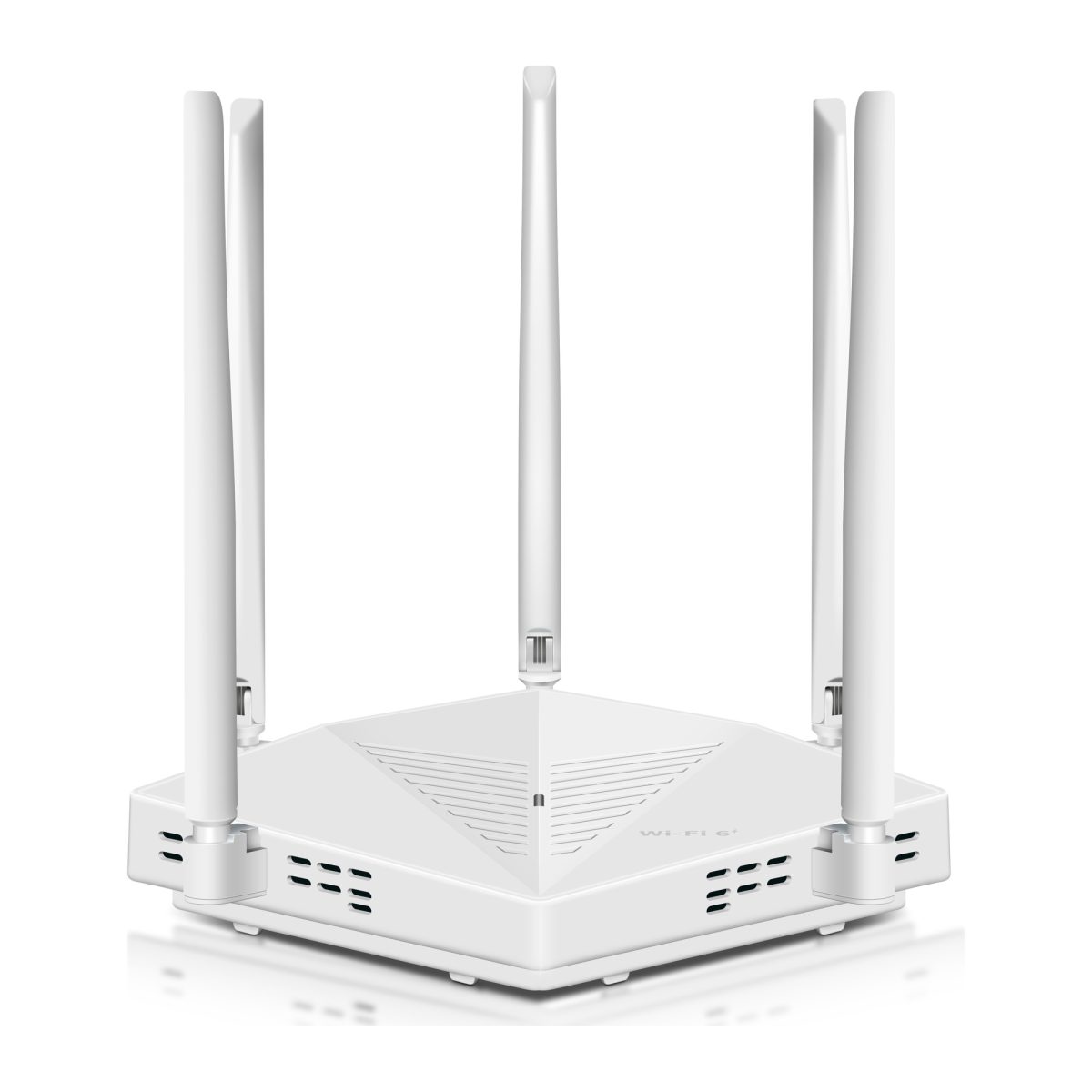
ROOXIS AX3000 WiFi 6 Router Dual Band Gigabit
What Makes It Great
Dual Band AC1200
Combined speeds up to 1200Mbps across 2.4GHz and 5GHz bands
2,500 Sq Ft Coverage
Four high-gain antennas provide whole-home WiFi coverage
Gigabit Ethernet
High-speed wired connections for desktops and gaming consoles
WPA3 Security
Latest wireless security protocol to protect your network
Dual-Core Processor
880MHz dual-core CPU for smooth performance with many devices
Easy Setup
Quick setup wizard gets you online in under 10 minutes
Specifications
| Wireless Standard | IEEE 802.11ac/n/a 5GHz, IEEE 802.11n/b/g 2.4GHz |
| WiFi Speed | AC1200 (5GHz: 867Mbps, 2.4GHz: 300Mbps) |
| Antennas | 4 x External High-Gain |
| Ethernet Ports | 1 x Gigabit WAN, 4 x Gigabit LAN |
| Security | WPA/WPA2/WPA3, SPI Firewall |
| Coverage | Up to 2,500 sq ft |
| Processor | 880MHz Dual-Core |
| Memory | 128MB RAM |
Questions about the ROOXIS WiFi Router AC1200 Dual Band
Answers drawn from the specifications above.
It is rated AC1200 (5GHz: 867Mbps, 2.4GHz: 300Mbps). "AC1200" is the two bands added together: the 5GHz band is the fast one for streaming and gaming near the router, while 2.4GHz is slower but reaches further through walls. Real-world speed also depends on your internet plan — the router cannot exceed what your provider delivers.
Up to 2,500 sq ft using 4 x External High-Gain antennas. Thick walls, floors and appliances shorten that range, so place the router centrally and in the open. If a far room still drops out, a WiFi extender fills the gap.
1 x Gigabit WAN, 4 x Gigabit LAN. The WAN port connects to your modem; the LAN ports are for wired devices such as a desktop PC, games console or smart TV, which get a steadier connection over a cable than over WiFi.
It supports WPA/WPA2/WPA3, SPI Firewall. Use WPA2 or WPA3 with a strong password you choose during setup, and keep the firmware up to date.
Connect to the router's WiFi, open a browser and go to 192.168.10.1 (not 192.168.1.1, which many other brands use). Out of the box the networks are named @ROOXIS-XXXX-2.4G and @ROOXIS-XXXX-5G, where XXXX is the end of the router's MAC address; the default WiFi password is printed on the label on the router.
With the router powered on, hold the RESET button for at least 5 seconds until the light goes off. It restarts with its default settings, and you can run the setup wizard again at 192.168.10.1.
Yes — follow the step-by-step setup guide in our Help Center. If you get stuck, contact ROOXIS Support.
ROOXIS products are sold on Amazon. Use the Buy on Amazon button on this page to go straight to the official listing.
Register it on our warranty registration page with your Amazon order ID, so our support team has your purchase on file if you ever need help.
Need help setting up?
Follow our step-by-step setup guide to get your device up and running in minutes.
You May Also Like
ROOXIS AX3000 WiFi 6 Router Dual Band Gigabit
- WiFi 6 AX3000 (574 + 2402 Mbps)
- Up to 3,000 Sq Ft Coverage
- 5 x 5dBi High-Gain Antennas
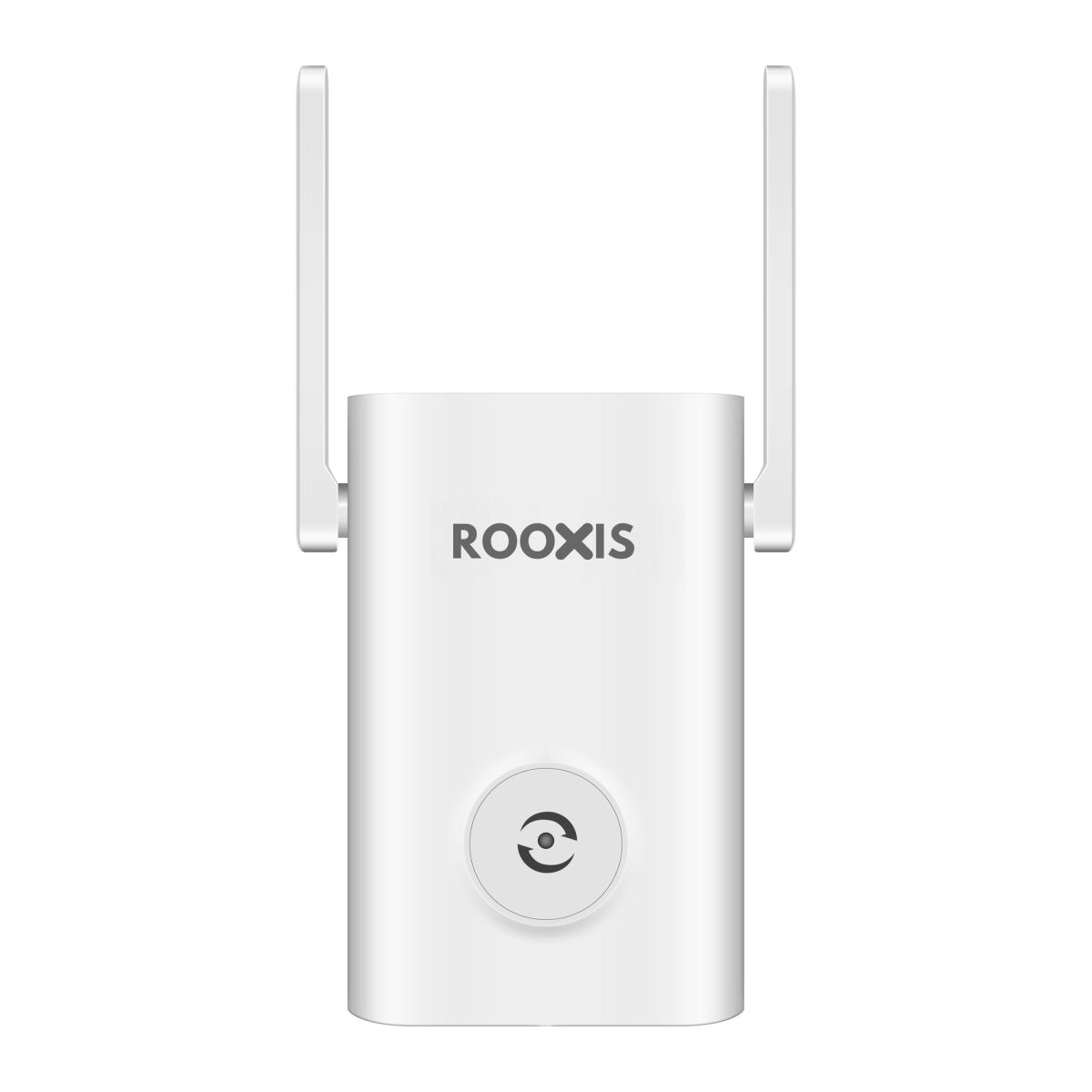
ROOXIS AX1800 WiFi 6 Extender Signal Booster
- WiFi 6 AX1800 (1201 + 574 Mbps)
- Up to 10,000 Sq Ft Coverage
- Gigabit Ethernet Port
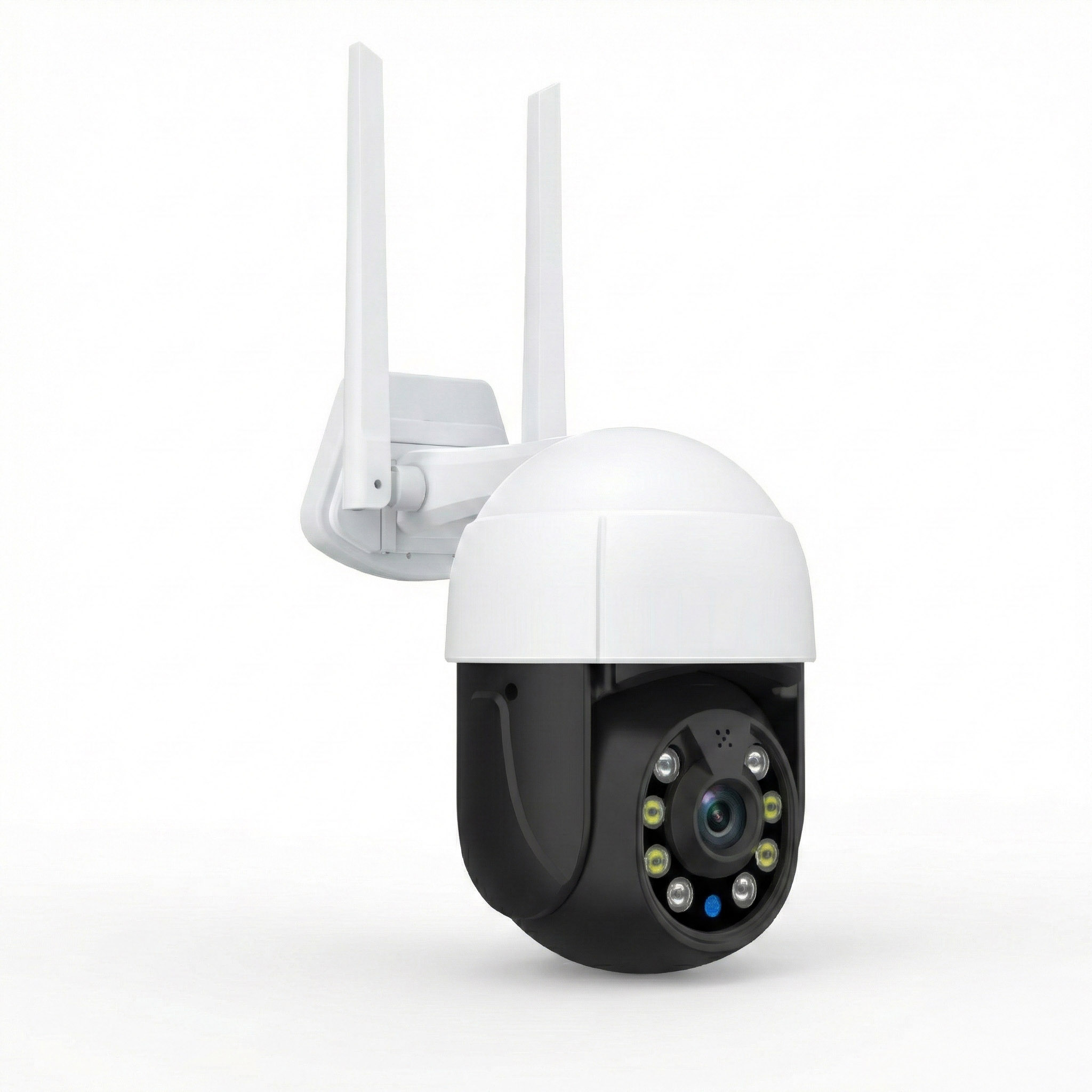
ROOXIS Security Camera Outdoor Wireless 4K
- 4K 5MP Ultra HD Resolution
- 355° PTZ Pan & Tilt
- Color Night Vision