
ROOXIS WiFi Extender Signal Booster AC1200
Eliminate WiFi dead zones with the ROOXIS AC1200 WiFi Extender. Featuring MU-MIMO technology for simultaneous multi-device connectivity, dual external 3dBi antennas, a 10/100M Ethernet port for wired connections, and coverage up to 10,000 sq ft, this extender ensures strong, reliable WiFi in every corner of your home.
- AC1200 MU-MIMO Technology
- 10,000 Sq Ft Coverage
- 10/100M Ethernet Port
- Dual Band WiFi
- WPS One-Button Setup
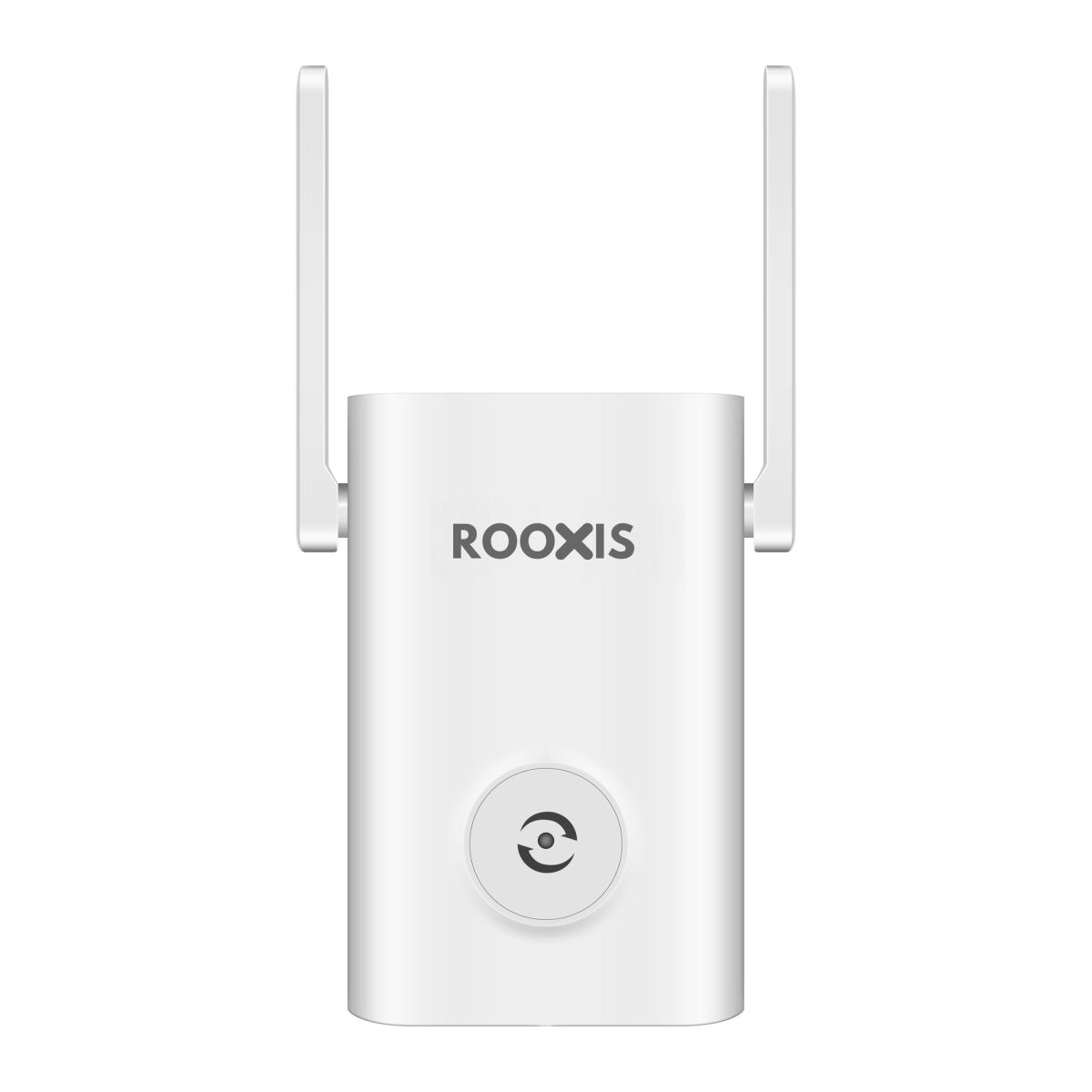
ROOXIS AX1800 WiFi 6 Extender Signal Booster
What Makes It Great
AC1200 MU-MIMO
Simultaneous data streaming to multiple devices without slowdown
10,000 Sq Ft Coverage
Extends your WiFi to cover even the largest homes
Ethernet Port
10/100M wired port for smart TVs, gaming consoles, and desktops
WPS Setup
One-button setup connects to your router in seconds
Dual Band
Both 2.4GHz and 5GHz bands for optimal performance
Compact Design
Plugs directly into any power outlet without blocking others
Specifications
| Wireless Standard | IEEE 802.11ac/n/a 5GHz, IEEE 802.11n/b/g 2.4GHz |
| WiFi Speed | AC1200 (5GHz: 867Mbps, 2.4GHz: 300Mbps) |
| MU-MIMO | Yes, 2x2 |
| Ethernet Ports | 1 x 10/100M LAN |
| Antennas | 2 x External 3dBi Dual-Band |
| Security | WPA/WPA2/WPA3 |
| Coverage | Up to 10,000 sq ft (with router) |
| Modes | Repeater, Access Point (AP) |
| Setup | WPS Button or Web Interface (192.168.8.1) |
| LED Indicator | Multi-color (Blue/Yellow/Red) |
| Dimensions | 4.7 x 2.9 x 1.6 in |
Questions about the ROOXIS WiFi Extender Signal Booster AC1200
Answers drawn from the specifications above.
Plug the extender in about halfway between your router and the area with weak signal. You can connect it with WPS Button or Web Interface (192.168.8.1) — choose your WiFi network and enter its password. In a browser you can reach the extender at 192.168.8.1 or home.to.
It supports Repeater, Access Point (AP). Repeater picks up your router's WiFi wirelessly and rebroadcasts it — no cables needed. Access Point takes a wired connection from your router over an Ethernet cable and turns it into a fresh WiFi signal, which gives the best speed if you can run a cable.
Blue means a good connection to your router. Yellow means the extender is too far away — move it closer. Red means it is not connected; check the WiFi password or run setup again.
By default it adds _EX to your network name — for example YourNetwork_EX on 2.4GHz and YourNetwork_5G_EX on 5GHz — so you can tell the extender apart from your router.
Yes — it has 1 x 10/100M LAN port. That is handy for a smart TV, games console or desktop that sits in a weak-signal room. The port runs at up to 100Mbps, which suits streaming and browsing.
Up to 10,000 sq ft (with router). Actual range depends on your router, wall materials and where you place the extender — aim for the spot where the LED shows blue.
Hold the RST button until the LED flashes red, then let go. It returns to factory settings so you can set it up again.
Yes — follow the step-by-step setup guide in our Help Center. If you get stuck, contact ROOXIS Support.
ROOXIS products are sold on Amazon. Use the Buy on Amazon button on this page to go straight to the official listing.
Register it on our warranty registration page with your Amazon order ID, so our support team has your purchase on file if you ever need help.
Need help setting up?
Follow our step-by-step setup guide to get your device up and running in minutes.
You May Also Like
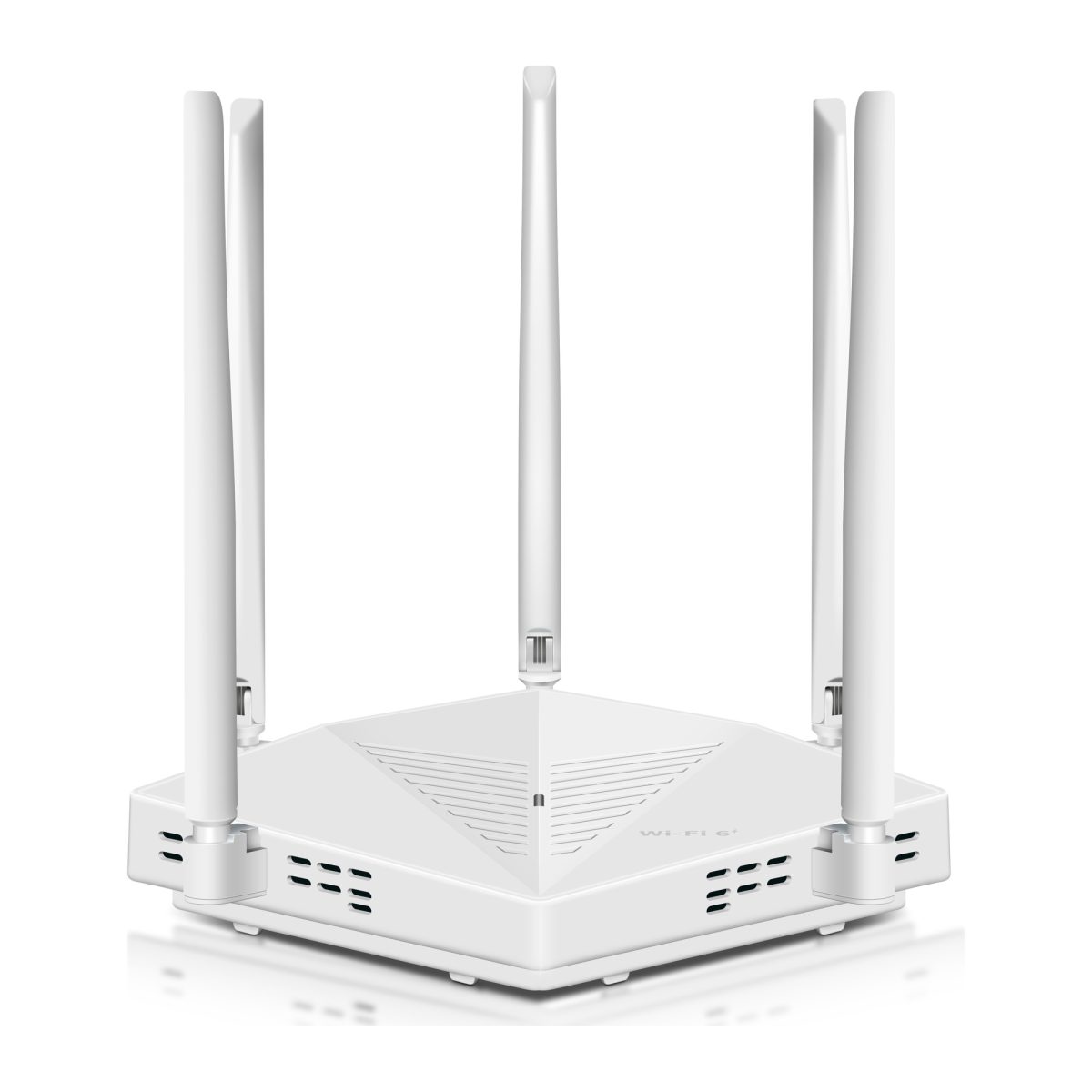
ROOXIS AX3000 WiFi 6 Router Dual Band Gigabit
- WiFi 6 AX3000 (574 + 2402 Mbps)
- Up to 3,000 Sq Ft Coverage
- 5 x 5dBi High-Gain Antennas
ROOXIS AX1800 WiFi 6 Extender Signal Booster
- WiFi 6 AX1800 (1201 + 574 Mbps)
- Up to 10,000 Sq Ft Coverage
- Gigabit Ethernet Port
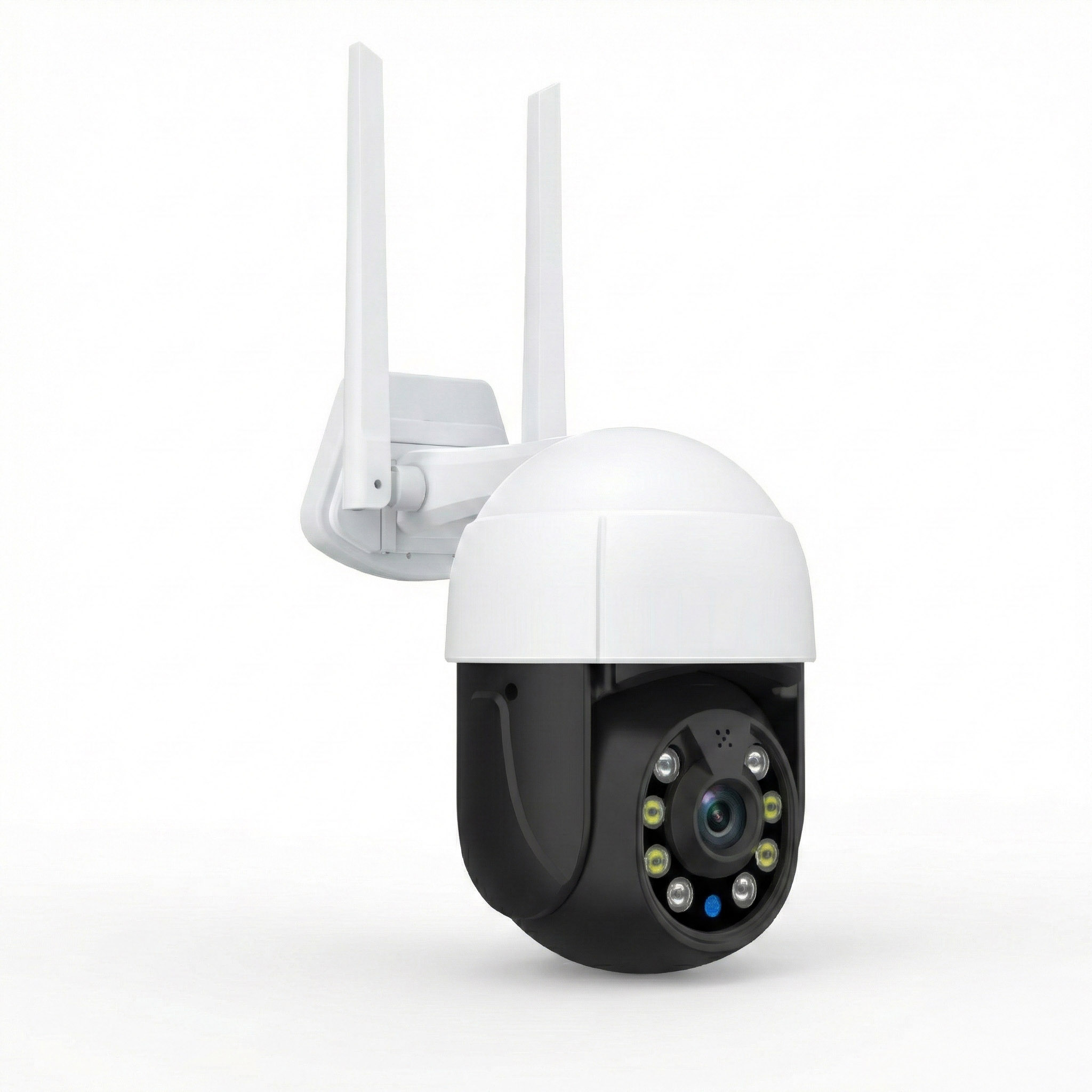
ROOXIS Security Camera Outdoor Wireless 4K
- 4K 5MP Ultra HD Resolution
- 355° PTZ Pan & Tilt
- Color Night Vision